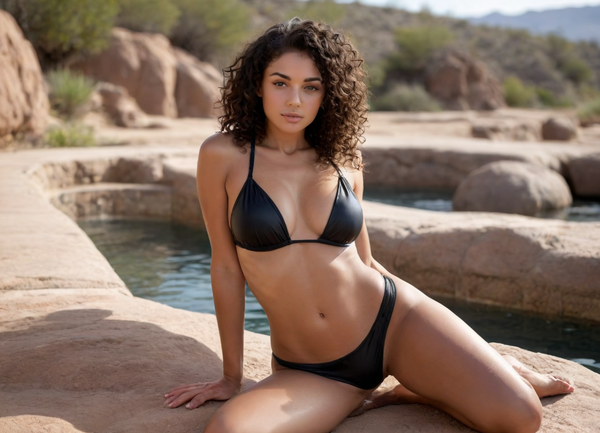
Top Free Adult AI Image Generators for Bold Creations
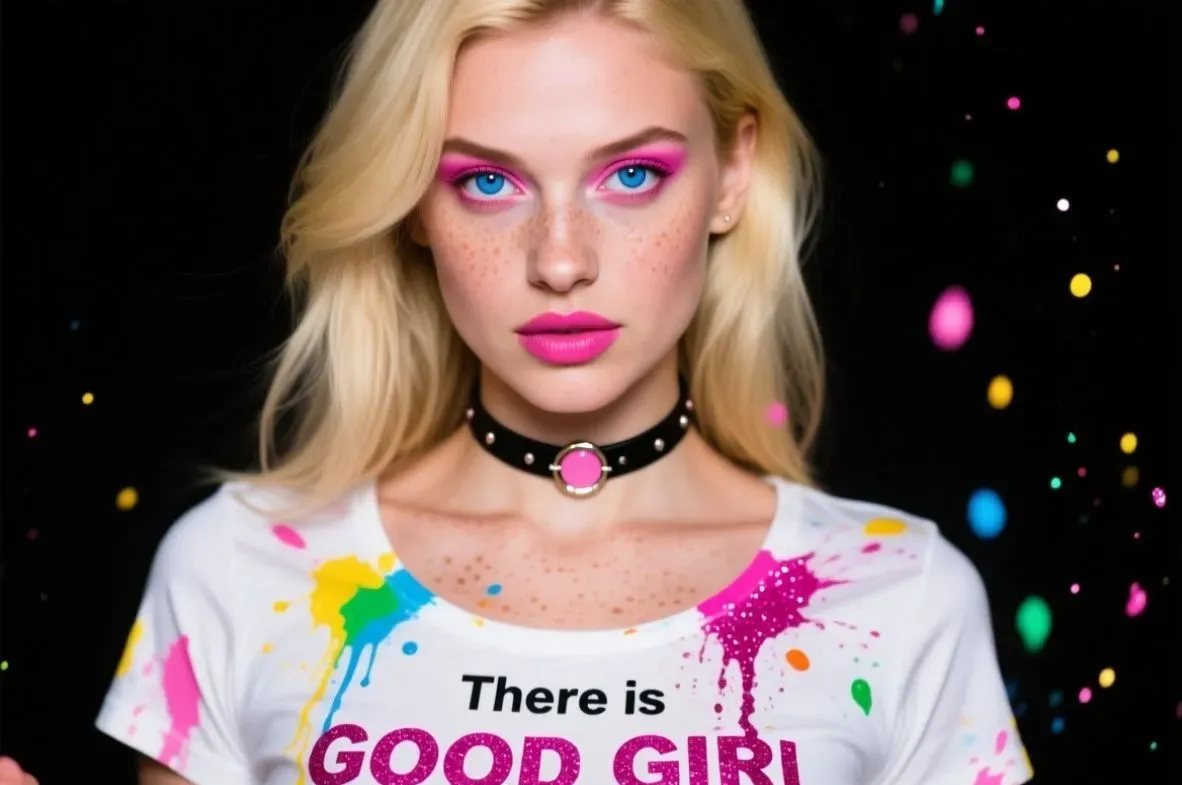
Late-night scrolling often leads to one thing: typing a risky prompt into a blank box and hitting generate. These free tools make it happen without the usual barriers. No account needed, no credit card lurking in the background, just raw access to uncensored outputs. Some lean toward hyper-realistic skin tones and lighting, others crank out stylized fantasies that look straight out of a graphic novel. Results vary by the day - sometimes spot-on, sometimes hilariously off - but the lack of guardrails keeps things exciting. Perfect for anyone testing boundaries or sketching private ideas on the fly.

1. Candy AI
Candy AI pulls users in for chats that branch into images, voice notes, or videos with custom companions. They start by picking or building a character - tweaking age, looks, personality, even hobbies - then jump into conversations that remember past details and shift tone accordingly. Image requests land as posed shots in chosen outfits or settings, while voice messages come in selected accents. Video responses add movement to keep the interaction flowing across formats.
The create tool lets fine-tuning down to eye color or body type, and a gallery collects everything generated. Pre-made characters cover various moods, from flirty to supportive, and the system syncs across devices. Token usage tracks multimedia requests, but basic text stays light. People often cycle through personalities to match the moment or stick with one for ongoing threads.
Key Highlights
- Custom character builder for looks and traits
- Chat with memory and adaptive responses
- Image, voice, and video on demand
- Gallery for saved generations
- Multiple pre-set companion options
Perfect For
- Ongoing talks with visual follow-ups
- Testing different personality setups
- Multimedia exchanges in one place
Contacts
- Website: candy.ai
- Twitter: x.com/trycandyai
- Address: EverAI Limited, Nr. C107181 56 Central Business Centre, Triq Is-Soll, Santa Venera SVR 1833, Malta

2. DreamGF
DreamGF hooks users who want a virtual girlfriend setup with chats and custom visuals. They build a profile by picking looks, personality sliders, and interests, then dive into text exchanges that reference past messages. Image requests pull up the character in different outfits or settings, and voice messages add audio layers to the mix. The system tracks conversation history to keep responses in character, whether flirty or casual.
Customization runs deep - hair, body, even fetish tags - and a photo gallery stores generated pics. Mobile access syncs everything, so chats continue across devices. Some stick to one girlfriend for ongoing stories, others spin up multiples for variety. Outputs follow the set traits closely, though complex scenes might need simpler prompts.
Key Highlights
- Girlfriend builder with trait sliders
- Ongoing chats with memory
- On-demand images and voice notes
- Fetish and style customization
- Gallery for saved visuals
Perfect For
- Long-term virtual companion threads
- Visual updates during conversations
- Personality testing across profiles
Contacts
- Website: dreamgf.ai
- Address: Bucuresti Sectorul 1, Strada C. C. ARION, Nr. 11, parter, cam. 3, bir. 4a, Ap. 1, Bucharest, Romania
- Instagram: www.instagram.com/dreamgf_ai
- Facebook: www.facebook.com/dreamgfai
- Twitter: x.com/dreamgf_ai
- Google Play: play.google.com/store/apps/details?id=com.mavtao.girlfriend.ai
- App Store: apps.apple.com/us/app/dreamgf-my-ai-friend/id6503708349

3. Dream Companion
Users turn to Dream Companion when they want a virtual setup for ongoing chats with a custom AI figure. They start by picking out looks, traits, and quirks that shape the character's vibe, from everyday pal to something more involved. Once set up, conversations flow through text or voice, with the AI pulling from earlier talks to keep things consistent and layered. It handles shifts in topics smoothly, adapting to whatever direction the user steers, whether that's light banter or deeper role-play moments. Access comes easy across phones and browsers, syncing everything so chats pick up right where they left off. Folks often note how the memory bit makes interactions feel less like starting over each time.
Over time, these setups can build a kind of routine, with the AI noting personal bits shared along the way. Voice options add a real-time feel, letting users speak and hear responses that match the chosen style. It's geared toward those solo sessions where someone craves a responsive ear without the real-world strings. Not every exchange lands perfectly, but the flexibility in tweaking personalities keeps it engaging for repeated use.
Key Highlights
- Customization covers looks, voices, and traits like romantic or advisory roles
- Chats use natural language tech to remember history and adapt on the fly
- Voice interactions happen with synthesized speech in various styles
- Role-play spans casual talks to intimate scenarios
- Works on web and mobile with seamless device syncing
Perfect For
- Building virtual relationships that evolve over chats
- Quick voice-based hangouts without setup hassle
- Testing different personality dynamics in private
Contacts
- Website: www.mydreamcompanion.com
- Email: [email protected]
- Google Play: play.google.com/store/apps/details?id=com.girlfriend.android
- App Store: apps.apple.com/hu/app/dream-ai-companion/id6464687205

4. SoulGen
SoulGen draws in users who want to spin text prompts into character portraits or full scenes, often leaning toward soulmate-style figures. They upload a reference photo if aiming for a lookalike, or just describe traits and let the AI fill in the rest across realistic or anime outputs. An outpainting feature stretches images beyond the edges by adding new elements prompted in, while a basic edit mode removes or extends parts with simple instructions. Video generation pulls stills into motion for short clips that keep details intact.
The interface keeps steps minimal - log in, type the idea, hit create - and works for both desktop and phone setups. Results hinge on clear prompts, but the tool handles additions like backgrounds or extra characters without much fuss. Folks use it for one-off creations or building out a consistent figure across multiple generations.
Key Highlights
- Text-to-image for portraits and scenes
- Lookalike option via uploaded references
- Outpainting to expand image borders
- Edit mode for adding or removing content
- Video from images with motion
Perfect For
- Crafting character visuals from scratch
- Extending existing pictures with new parts
- Short animated clips from still prompts
Contacts
- Website: www.soulgen.net
- Google Play: play.google.com/store/apps/details?id=net.soulgen.lite.android
- Instagram: www.instagram.com/soulgen_ai
- Facebook: www.facebook.com/soulgenai
- Twitter: x.com/SoulGen_AI
- Email: [email protected]

5. WaifuXL
WaifuXL focuses on sharpening up anime-style images, taking lower-res originals and boosting them to clearer versions. Users upload pics tagged with elements like character types or outfits, and the tool processes them to enhance details without losing the original charm. It draws from updates that speed up the upscaling, making it quicker for batches of images. Common tags show up in results, highlighting things like hair colors or poses that get refined along the way. The output stays true to the source, often pulling out finer lines in illustrations that might otherwise blur.
People use it for refreshing old fan art or prepping images for shares, where the extra clarity makes a difference in how they pop. Recent tweaks have rewritten the backend for smoother runs, and it handles safe or edgier content without much fuss. It's straightforward, no deep edits needed, just upload and go, though clearing cache sometimes smooths out glitches.
Key Highlights
- Upscales anime images faster than older methods
- Preserves details in tags like hair, eyes, and clothing
- Processes various explicitness levels from safe to explicit
- Built on commits for ongoing improvements
- Web-based with simple upload interface
Perfect For
- Reviving fuzzy anime illustrations quickly
- Batch handling character-focused artwork
- Everyday tweaks for personal collections
Contacts
- Website: waifuxl.com

6. FaceSwapper
FaceSwapper lets users exchange faces across photos, videos, or GIFs by uploading a source and target image for the AI to blend. The process scans features like angles and light, then slots in the new face to keep things looking natural. It extends to group shots or motion clips, swapping multiples without much manual work. Results come back fast, ready for download, and an editor side lets folks tweak further with prompts to add or remove bits. Privacy stays tight, with files wiped right after use so nothing lingers on servers.
In practice, it shines for casual swaps that turn ordinary snaps into something funnier or themed, like dropping a face into a video scene. The unlimited runs mean no counting credits mid-project, and presets help spark ideas without overthinking. Outputs can vary with photo quality, but clearer inputs tend to yield smoother merges.
Key Highlights
- Swaps faces in stills, videos, GIFs, and batches
- AI maintains realistic expressions and lighting
- Built-in editor for prompt-based adjustments
- No storage of uploads post-generation
- Free access without usage limits
Perfect For
- Quick meme-style photo alterations
- Personalizing videos or animations
- Group image fun without editing skills
Contacts
- Website: faceswapper.ai
- Email: [email protected]
- Google Play: play.google.com/store/apps/details?id=com.face.replacer
- App Store: apps.apple.com/us/app/faceswapper-ai-face-swap/id6447933137

7. Promptchan
People head to Promptchan when they feel like turning a quick text idea into adult-themed pictures or clips without filters getting in the way. They pick from styles that run the gamut - realistic shots, anime vibes, or artsy takes - and the system spits out results based on whatever details get typed in. Community uploads fill a big explore section, letting users grab an existing image to tweak, clone, or reposition characters however they see fit. Private mode keeps generations off the public feed, and a chat setup pairs with the visuals so the same character can send messages, selfies, or voice notes that match the look.
The posing tool stands out for nudging figures into specific stances without extra hassle, while an edit feature lets folks highlight parts of an image and swap them out via new prompts. Mobile access means generating on the go works fine, and the whole thing stays web-based with no heavy downloads. Outputs can shift depending on how the prompt lands, but the range of community examples gives plenty of starting points to riff off.
Key Highlights
- Generates images and videos from text in multiple styles
- Community library for cloning or varying existing content
- Pose and tweak tools for adjusting figures or sections
- Chat includes selfies and voice responses
- Private generation option available
Perfect For
- Turning short descriptions into custom adult visuals
- Remixing community uploads for new scenes
- Mobile sessions needing quick results
Contacts
- Website: promptchan.com
- Instagram: www.instagram.com/promptchan.com
- Twitter: x.com/Promptchan
- Email: [email protected]
- App Store: apps.apple.com/us/app/promptchan-ai/id6746109013

8. Deepfakes Web
Users land on Deepfakes Web when they want to swap faces in clips or photos without downloading software. They upload a source face and target media, then the cloud-based tool processes the merge, handling lighting and angles to keep the swap from looking too off. It works on single images or longer videos, though shorter clips tend to finish faster. Privacy gets a nod with files deleted after processing, and the interface sticks to basics - pick files, hit start, grab the result. Some folks use it for quick gags, others for piecing together custom scenes.
The face detection sometimes needs a clear shot to avoid weird blends, but tweaks like cropping help. Output quality shifts with input resolution, and the web setup means no heavy hardware required on the user end. People often run a few tests to dial in the right source photo before committing to a full video.
Key Highlights
- Cloud swaps for faces in photos and videos
- Processes merges without local installs
- Deletes uploads after job completion
- Handles single frames or extended clips
- Basic controls for source and target selection
Perfect For
- Online face swaps without software hassle
- Short video edits on the fly
- Testing blends before final output
Contacts
- Website: deepfakesweb.com
- Twitter: x.com/deepfakesweb

9. AI Hentai Generator
Folks check out AI Hentai Generator for turning text prompts into anime-style adult images. They type in character details, poses, or scenarios, and the system churns out illustrations that stick to the hentai aesthetic - bold lines, exaggerated features, the usual. A community feed shows what others have made, so users can copy a prompt or tweak an existing image to fit their idea. Editing lets selecting parts to regenerate, like changing outfits or expressions without starting over.
The tool leans heavy on anime tropes, so realistic outputs aren't the focus. Generation stays web-based, and private mode keeps creations off public view. Results can get inconsistent if prompts are vague, but examples in the gallery give solid starting points. People often iterate a few times to nail the look.
Key Highlights
- Text-to-hentai image creation
- Community prompts for inspiration
- Partial edits on generated art
- Private generation toggle
- Anime-focused style outputs
Perfect For
- Quick hentai sketches from descriptions
- Remixing public gallery entries
- Private anime adult art sessions
Contacts
- Website: aihentaigenerator.net

10. Clona
Clona users often start by picking a familiar face from the lineup of content creators, like streamers or adult performers, and jump into chats that mimic their public styles. The AI pulls from those personas to keep responses in line - chatty, bold, or flirty - while building on what gets shared in the conversation. Voice playback kicks in for audio replies that sound close to the original, adding a layer that makes back-and-forth feel less flat. Free access covers basic talks, but the pro tier opens up uncensored photos generated on the spot, tailored to prompts without holding back.
Relationships form over repeated sessions, with the AI noting preferences to steer future exchanges. Creators get added periodically, so the roster shifts, and users can suggest names for the queue. The setup skips the usual filters, letting things go as far as typed in, though ethical notes pop up in the fine print. Some find the voice bit spot-on for immersion, others tweak prompts to dial in specifics.
Key Highlights
- Chats with AI versions of selected creators
- Voice responses in matching styles
- Uncensored photo generation in pro mode
- Unlimited basic conversations for free
- Suggestions for new creator additions
Perfect For
- Casual talks with familiar online personalities
- Voice-enhanced role-play sessions
- Custom image requests tied to chats
Contacts
- Website: clona.ai
- Instagram: www.instagram.com/clonaai
- Twitter: x.com/clona_ai

11. Perchance AI
Users hit up Perchance AI for straightforward text-to-image generations that don't demand accounts or payments. They type in prompts describing scenes or figures, and the system rolls out multiple variations based on open-source models, often landing on a mix of realistic and artistic takes. No built-in blocks mean adult themes process without pushback, though the outputs can skew toward stylized rather than hyper-detailed realism. Community-shared prompts float around forums, giving ideas for refining inputs to get closer to what's envisioned.
The no-sign-up setup keeps things quick for one-offs, but chaining prompts for series might need manual tweaks since there's no native history. Folks appreciate how it runs in browsers without lag, even on basic setups, and the unlimited feel suits casual browsing sessions. Sometimes results surprise with offbeat interpretations, adding a fun twist to the trial-and-error.
Key Highlights
- Text prompts generate multiple image options
- Handles uncensored adult prompts directly
- No account or payment for basic use
- Browser-based with no downloads
- Draws from community prompt examples
Perfect For
- Fast, no-fuss adult scene sketches
- Experimenting with prompt variations
- Quick generations during downtime
Contacts
- Website: perchance.org
- Google Play: play.google.com/store/apps/details?id=com.perchance_ai_salar
- App Store: apps.apple.com/hu/app/perchance-ai-logo-maker/id6738433636

12. Seduced AI
Seduced AI sees users crafting adult visuals by feeding in descriptions that guide the AI toward specific poses or themes. The platform offers a range of models to pick from, blending them with extensions for elements like outfits or actions, and outputs land as images or short clips. It sticks to legal bounds but skips heavy censorship, supporting a spread of styles from realistic to anime with room for varied orientations. Sign-up verifies age, and private settings keep generations under wraps.
Video tools animate stills into brief sequences, though length caps keep them snappy. Customization shines in reusing saved characters across prompts, letting consistent figures pop up in new setups. Limits tie to plans, so free runs cover basics before nudging toward upgrades, and users often cycle through model combos to vary the mood.
Key Highlights
- Prompt-based images and short videos
- Model and extension mixing for themes
- Private outputs with age verification
- Character reuse across generations
- Style options from real to animated
Perfect For
- Themed adult content with poses
- Animating static ideas quickly
- Building recurring character scenes
Contacts
- Website: www.seduced.ai
- Twitter: x.com/seducedai
- Instagram: www.instagram.com/seduced.ai
- Email: [email protected]

13. PornJourney
PornJourney users describe what they have in mind, from character traits to full scenarios, and watch the AI compile tailored adult images or clips. The interface pulls in community examples for prompt inspiration, making it easier to build on proven setups without blank stares. Free tier handles core generations, focusing on uncensored results across real-life or stylized looks, with a queue that ebbs during off-hours.
Clips come as short loops from image bases, and editing lets swapping elements post-generation for fine-tuning. The community angle means browsing others' creations sparks ideas, though personal outputs stay private unless shared. Daily caps exist, but they reset steadily, fitting for paced sessions rather than marathons.
Key Highlights
- Scenario builds from text descriptions
- Community prompts for starting points
- Images and loop clips available
- Post-gen edits for adjustments
- Uncensored across visual styles
Perfect For
- Personalized scene explorations
- Drawing from shared examples
- Short clip tests with images
Contacts
- Website: pornjourney.net
- Twitter: x.com/pornjourneyAI
- Instagram: www.instagram.com/pjourney.ai
Wrapping It Up
After digging through these tools, one thing stands out: free adult AI image generators have come a long way from clunky, filtered messes. Whether someone leans toward anime flair, photorealistic skin, or quick face swaps, there’s an option that fits without pulling out a wallet. Sure, free tiers come with limits - daily caps, slower queues, or simpler outputs - but they deliver enough to spark ideas or scratch an itch.
The real win is flexibility. No sign-ups for some, private modes for others, and a few even toss in chat or voice to flesh out the fantasy. Results won’t always nail the vision on the first try, and prompt tinkering becomes part of the game. Still, for zero cost, the access feels generous.
At the end of the day, these platforms let anyone play creator, no art skills required. They’re tools, not miracles - use them responsibly, respect boundaries, and enjoy the weird, wild ride of AI-driven imagination.