
Whether you’ve finished your AI adventure or just want to clear your account for good, deleting Muah.AI isn’t as obvious as logging out. There’s no big red “delete” button screaming at you, and the process can feel a bit tucked away if you’ve never done it before.
In this guide, we’ll walk you through how to remove your account, stop any billing, and make sure your data doesn’t hang around longer than you want it to. It’s not hard, but knowing where to click (or who to email) makes all the difference. Let’s get into it.
What Is Muah.AI?
Muah.AI is a customizable AI companion platform that blends chat, voice, and photos into an interactive experience. You can role-play, share images, give memory prompts, and even guide the AI to respond in specific ways. Think of it as a sandbox for building a very personal, conversational AI companion.
It runs on a freemium model, meaning you can use it for free or upgrade to VIP tiers for more memory, voice features, and advanced behavior control. It’s playful, deeply customizable, and made to feel like a relationship rather than a typical chatbot. But like any app, it’s not for everyone forever.
Moving On From AI Companions? See What R34.app Offers
If you’re here because you’re planning to delete Muah.AI, there’s a good chance you’re also reevaluating how you engage with adult content or AI companions in general. Some folks move away from interactive AI because they’re looking for something simpler, more visual, or just less involved. That’s where we come in.
At R34.app, we offer a different kind of experience. We’re not an AI companion service. We don’t store memories, simulate relationships, or build ongoing character arcs. What we do is help you quickly find the content you’re in the mood for. Whether you’re browsing hentai by tags, games, or characters, our platform is built for fast discovery without the emotional or interactive layers. If you’re stepping away from something like Muah.AI and looking for a no-strings-attached alternative, we might be what you’re looking for.
Everything on R34.app is designed to be direct and user-controlled. You search, you scroll, you view. No persistent profiles, no chat logs, no AI that “remembers” you. For users moving away from memory-driven, emotionally responsive tools, that simplicity can feel like a reset. And if that’s what you need after closing the door on your Muah.AI account, we’ll be here.
How to Permanently Remove Your Muah.AI Account
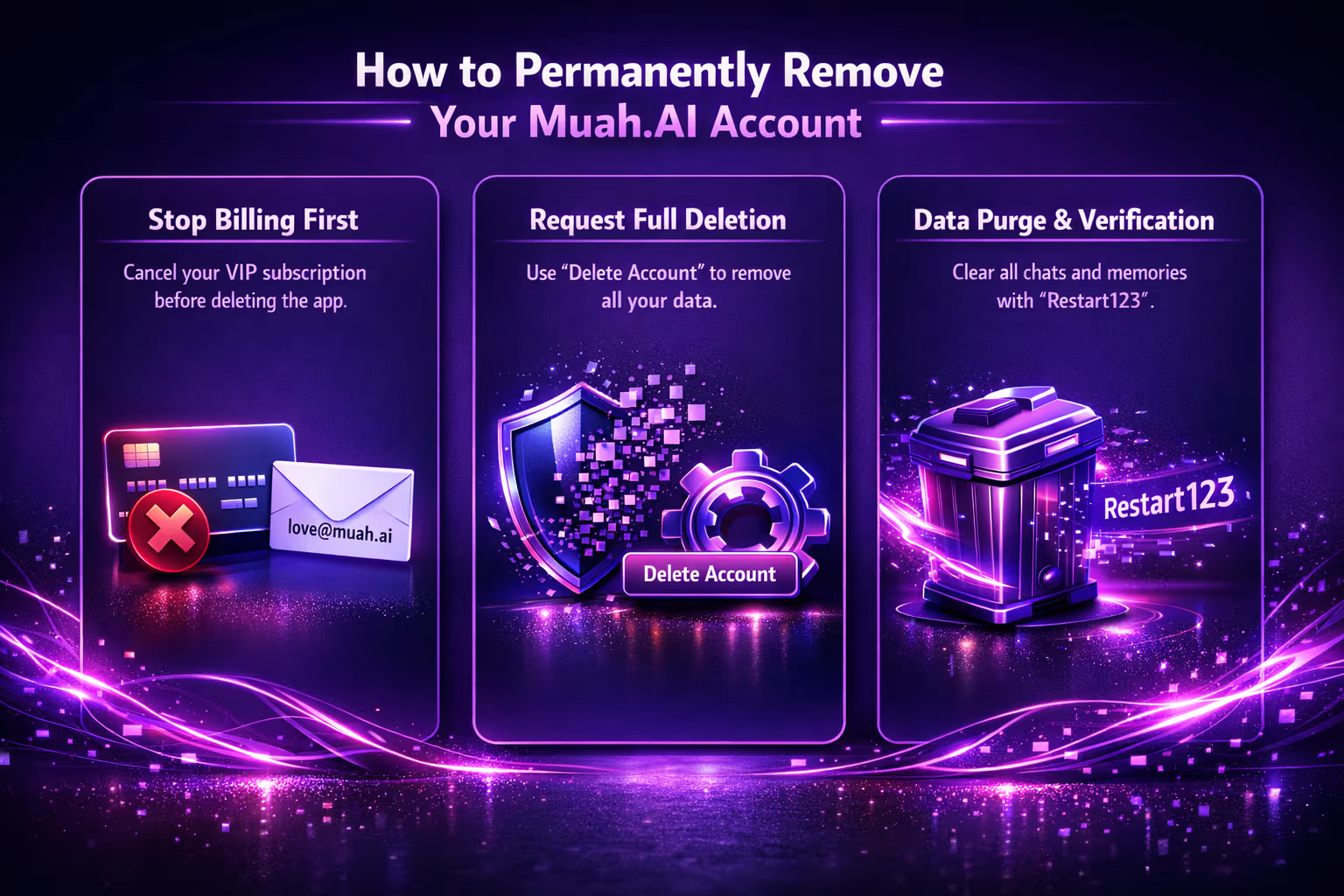
So you’ve decided it’s time to delete your Muah.AI account. Maybe the novelty wore off, maybe you’re simplifying your digital life, or maybe you just want out. Totally fair. But unlike social apps, Muah.AI takes a slightly different route. It does include an account deletion option, but it’s not prominently placed. You’ll find it at the bottom of the companion settings section.
Step 1: Understand What Deletion Actually Means
Before you hit the reset button, it helps to know what “deleting” Muah.AI really involves. It includes a built-in delete-my-account option inside the companion settings, though it may not be immediately obvious to new users.
Here’s what deletion involves. Stopping your paid subscription, if you have one. Removing your personal data. Resetting or wiping companion memory if needed. Reaching out to customer support for full account removal.
Let’s walk through how to do each part.
Step 2: Cancel Your Muah.AI Subscription
If you’re a VIP user, you’ll want to cancel billing first. Deleting the app won’t stop charges, and Muah.AI is upfront about that in their Terms of Service.
You can cancel your subscription in one of three ways:
- From your account dashboard: Log in at muah.ai, go to Player Settings, and look for the Billing Management section to cancel your VIP plan.
- Through your payment provider: If you subscribed through a third-party provider, go directly to that service to cancel the subscription.
- Via email: If you’re stuck or not sure what method you used, email [email protected] and request cancellation. They generally respond promptly.
Make sure you get confirmation that the billing has stopped. Even though Muah.AI does not offer automatic refunds, they do mention case-by-case exceptions if you contact support with a good reason.
Step 3: Clear Companion Memory (Optional)
If you’re not ready to fully delete your account but want to reset your companion or remove specific stored memories, Muah.AI gives you a few commands you can use:
- “Restart123”: This resets your companion’s memory. It’s useful if things feel off or if the AI is stuck in a loop.
- “Remember [info]”: This stores information with higher priority. To undo it, use the forget command.
These are soft deletion tools. They don’t remove your account or billing, but they do give you more control over how much the AI remembers you.
Step 4: Request Full Account Deletion
To permanently delete your Muah.AI account, you have two options: use the built-in deletion feature inside the app or contact support. The quickest way is through the interface – scroll to the bottom of your companion settings and tap the “Delete Account” option. This will initiate the removal process right away.
If you prefer to handle it manually or want written confirmation, you can also send a message to [email protected] from the email address linked to your account. Include a clear request like: “I’d like to delete my Muah.AI account and all associated data.” You can also ask them to confirm your billing is canceled and that your chat history and companion memory are wiped.
According to Muah.AI’s Terms, they take data privacy seriously and will delete your account upon request. It may take some time, but they aim to follow through within a reasonable timeframe.
Step 5: What Happens to Your Data?
This part is important, especially if you care about data privacy. According to Muah.AI’s Terms of Service and About pages:
- All chat and photo interactions are stored securely.
- Memory is persistent, unless you wipe it using “Restart123” or request deletion.
- SSL encryption is used to protect your sessions.
- Data is not shared outside the platform.
Once you delete your account, your content should be removed from their systems. Still, always ask for confirmation. If you’re concerned, ask them to verify that your account has been purged.
Extra Tips Before You Leave
If you’re not 100% sure you want to leave Muah.AI permanently, consider these steps first:
Downgrade Instead of Deleting
Not ready to say goodbye for good? You can drop down to the free tier and stop billing without deleting your account. It keeps the door open if you decide to come back later, and you won’t be charged while you’re away.
Wipe the Memory, Not the Account
Sometimes the issue isn’t the platform, it’s the baggage. If your AI companion feels off or stuck, using the “Restart123” command can clear its memory and give you a clean slate without losing your account setup.
Take a Break and Log Out
If you’re feeling burnt out or unsure, there’s no rush to delete everything. Just log out for a while and give yourself some space. Sometimes a little distance is all it takes to figure out whether you’re truly done or just overwhelmed in the moment.
Common Reasons People Delete Muah.AI
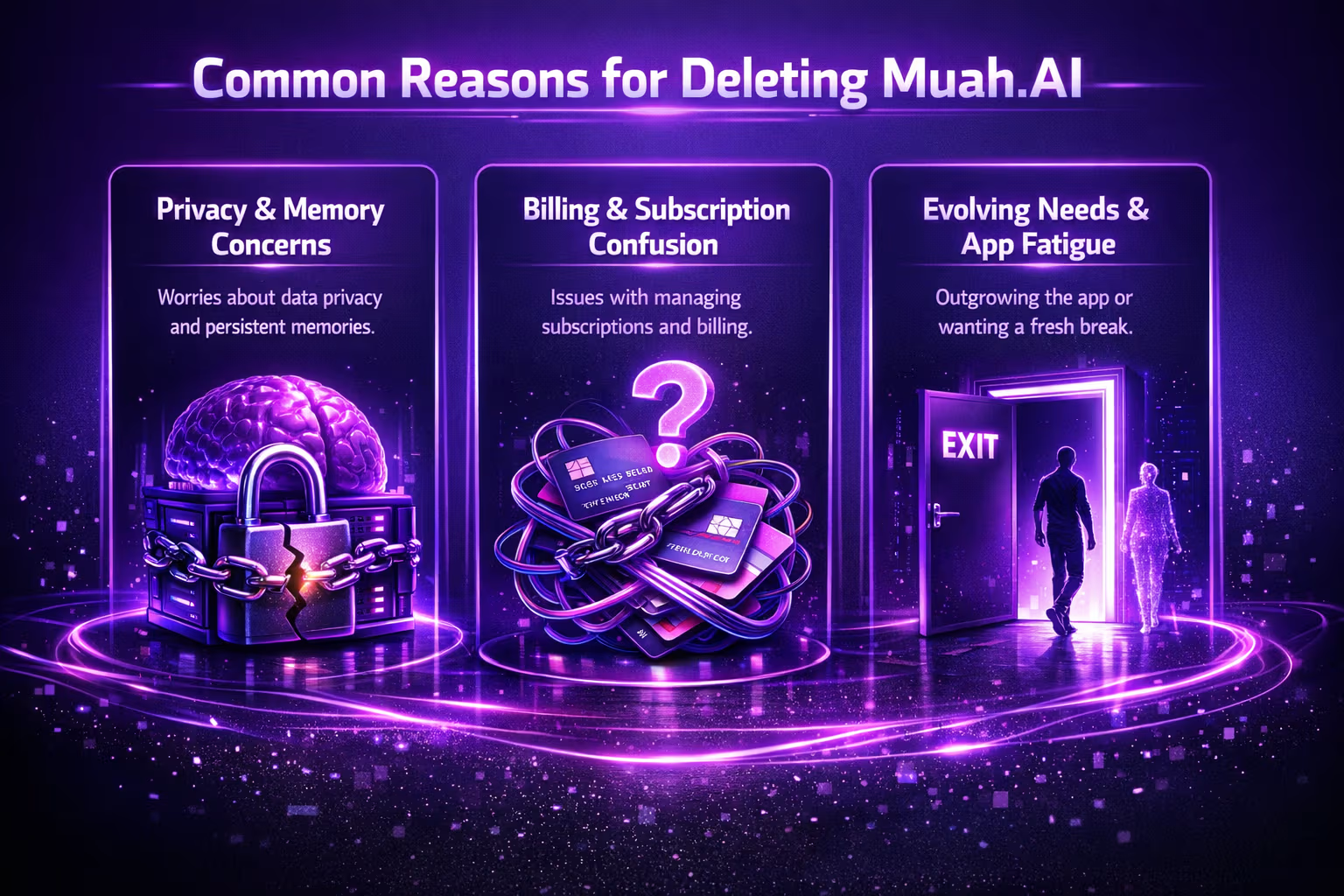
You’re not the only one thinking about it. Based on user feedback and site info, some common reasons include:
- Privacy concerns or discomfort with memory retention.
- Confusion over billing or subscription management.
- Outgrowing the companion experience.
- App fatigue or switching to other platforms.
- Wanting a clean break from role-play scenarios.
Whatever your reason, it’s valid. Just make sure you go through the right steps so you don’t end up with surprise charges or lingering data.
Final Thoughts
Deleting Muah.AI isn’t a one-click goodbye, but it’s doable with a little effort. Cancel your membership, wipe your AI’s memory if needed, and send a direct request to have your account closed. The tools are there – they just take a moment to find if you haven’t used the app much.
Give yourself some space, and if you ever decide to return, you can always start fresh. That’s part of the design: customizable, personal, and yes, optional.
If you’ve made it this far and still have questions, drop them a line at [email protected]. They seem to care about doing right by users, even if their UX isn’t perfect.
And that’s it – you’re out.
FAQ
Can I delete my Muah.AI account directly from the app?
Yes. You can delete your account directly from the interface – just scroll to the bottom of the companion settings and tap the “Delete Account” option. If you prefer to go through support, you can also email [email protected] with your deletion request. Be sure to use the same email you registered with so they can verify your identity.
Will uninstalling the app stop my subscription?
Unfortunately, no. Just deleting the app won’t stop billing. If you’ve got a VIP membership, you’ll need to cancel it either through the Muah.AI site, your app store, or by emailing support. Always double check that billing is canceled to avoid surprise charges later.
What happens to my AI’s memory when I delete my account?
If you request full deletion, your data, including your AI’s memory, should be wiped. But if you’re just resetting things without closing the account, you can use commands like “Restart123” to clear the memory manually. Either way, it’s worth asking support for confirmation once you’re done.
Can I get a refund for my VIP subscription?
Muah.AI’s default stance is no refunds, but they do say they’ll consider exceptions if you reach out with a reasonable case. If you feel like you didn’t get what you paid for or were charged by mistake, contact support directly and explain the situation. Don’t skip this step if you’re serious about trying.
Why do people switch from Muah.AI to something like R34.app?
For some, it’s about shifting from interactive AI to simple browsing. R34.app doesn’t use memory, voice, or chat – it’s a tag-based discovery platform. If you’re done with emotional roleplay and just want a clean, no-memory space to explore, that switch makes sense.
Is it possible to pause my Muah.AI account instead of deleting it?
Not officially. There’s no “pause” option, but you can downgrade to the free tier, reset your AI memory, and log out. If you’re not ready to fully delete but want a break, that’s probably your best bet for now.