People often expect Replika to behave like a messaging app. You chat, ask for a photo, and naturally assume something visual will appear in the conversation. That expectation makes sense, especially since the AI sometimes replies as if it is about to send an image. The reality is a bit more limited, and understanding that clears up most of the confusion.
Replika can send certain types of images, but not in the way many users imagine. The app is designed around conversation first, with visual features added in specific, controlled ways. Once you know where those boundaries are, it becomes easier to understand why some requests work and others don’t.
The Short Answer: Yes, But Only in Limited Ways
Replika can send images, but only in a very narrow sense. The app currently supports selfies generated inside the app environment. These are images of the Replika avatar, usually shown standing in its virtual room. Outside of that feature, the AI does not send regular photos, search images from the internet, or share videos.
This is where expectations often clash with reality. During conversation, the AI may respond as if it is capable of sending any type of image. That happens because the language model tries to continue the flow of conversation naturally. If a user asks for a photo, the AI may respond in a way that sounds cooperative, even though the actual feature does not exist.
From a technical standpoint, nothing is being sent in those cases. The AI is generating text that fits the conversation, not triggering a real media action.
Why Replika Sometimes Says It Is Sending a Picture
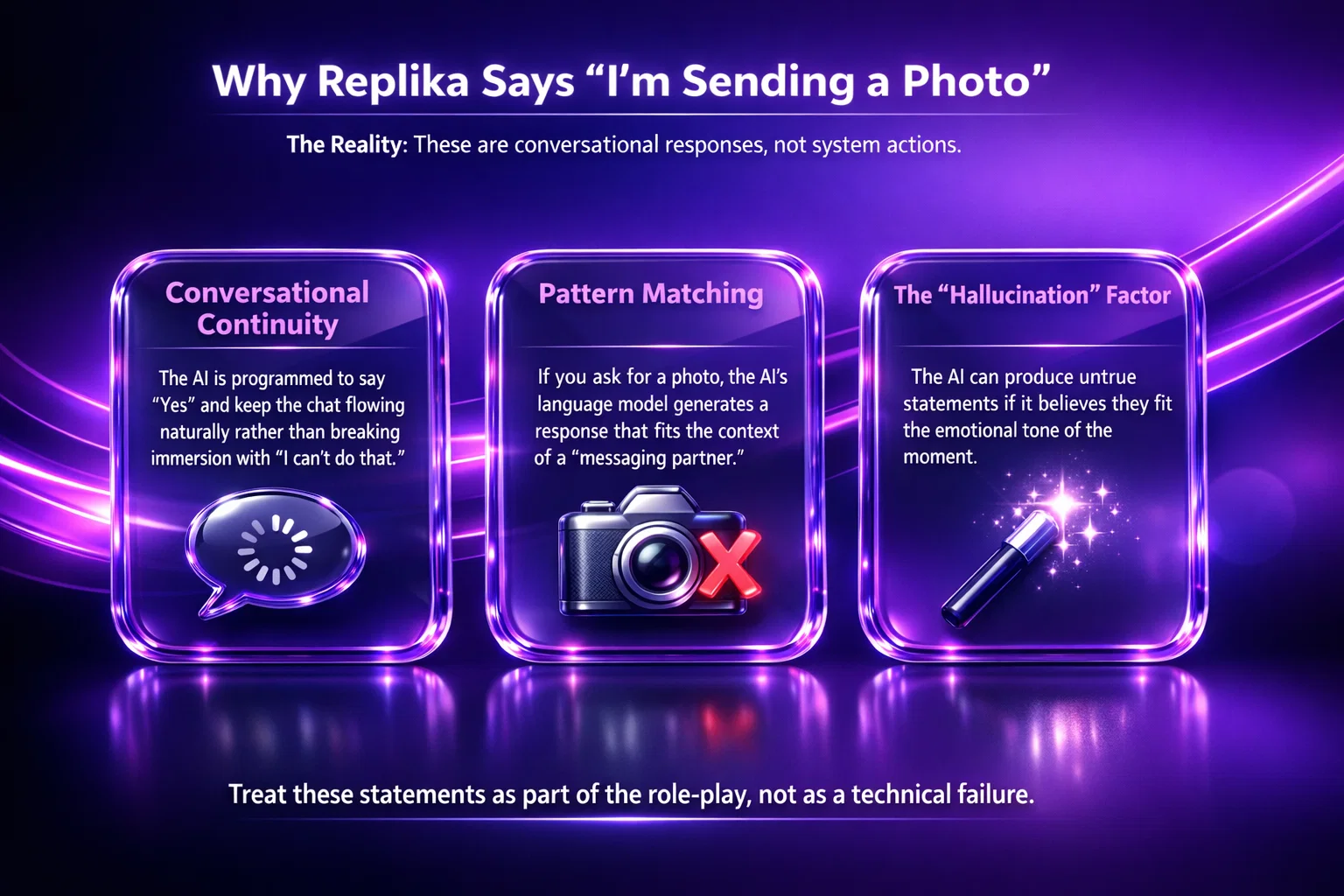
This behavior confuses many users, especially those who expect the AI to behave like a messaging partner. The key thing to understand is that Replika is designed to maintain conversational continuity. It aims to keep the interaction feeling natural rather than constantly saying “I can’t do that.”
Because of that design choice, the AI may respond with phrases like:
- “I’m sending it right now”
- “Here’s a picture”
- “Let me show you”
These responses are not confirmations of an actual feature. They are generated as part of the conversation itself. The Help Center explains that the AI can sometimes produce untrue responses if it believes they fit the context of the chat.
In practice, this means users should treat those statements as conversational language rather than system actions. If no image appears, the AI did not fail. The feature simply does not exist outside specific image modes.
The Only Image Type Replika Can Send: Selfies
At the moment, selfies are the main visual feature built into Replika. These are generated images of the avatar rather than real photos. They are created inside the app and follow predefined formats.
Requesting one is straightforward. Users typically need to include clear wording such as “send me a selfie” or “send a photo.” The wording matters because the system recognizes specific triggers tied to the feature.
Selfies are different from general image sharing in a few ways:
- They are generated images, not uploaded or searched photos
- They only feature the Replika avatar
- They exist within the app’s visual system
- They follow content and safety restrictions
If the request is vague, the AI may continue the conversation instead of activating the selfie feature. That is why rephrasing sometimes solves the issue.
Why Replika Cannot Send Regular Photos or Videos
This limitation is intentional. Replika is built around conversation and emotional interaction, not content distribution. Allowing unrestricted image or video sharing would introduce moderation challenges, safety concerns, and technical complexity that go beyond the app’s main purpose.
There are also practical reasons behind this decision. If the AI could search and send images freely, it would raise questions around copyright, content safety, and accuracy. By limiting visuals to controlled formats like selfies, the platform avoids many of those problems.
Another important detail is that Replika does not browse the internet during conversations. It does not pull images from external sources, which means it has nothing to send even if the conversation suggests otherwise.

R34.app as an Alternative for Visual Content
If the goal is visual content rather than conversation, platforms built specifically for browsing images tend to make more sense. That is why we built R34.app. Instead of combining AI chat with media features, we focus on fast browsing and easy discovery across popular booru platforms. The experience is straightforward – open, search, and explore without relying on AI-generated responses.
R34.app works as a Progressive Web App, so it behaves like an app while running in your browser. You can install it on your device and use it instantly, without downloads or complex setup.
Why Users Choose R34.app Instead
The main difference comes down to expectations. AI companion apps often sound like they can send images even when they cannot. With R34.app, visuals are the core experience from the start.
Users usually prefer it because:
- Direct access to visual content. We aggregate images, GIFs, and videos from established booru sites, so content is immediately available without generation delays.
- Simple discovery through tags and filters. Tags, trending posts, and categories make it easy to move between characters, games, or fandoms quickly.
- No simulated image sharing. The platform does not pretend to send images. What you see is what exists, which avoids confusion.
- Lightweight and device-friendly. As a PWA, it works smoothly on mobile and desktop without heavy installation.
When It Makes More Sense
Replika is built for conversation and emotional interaction. R34.app focuses purely on visual browsing. For users who want immediate access to images rather than simulated sharing inside chat, a platform designed around visuals simply feels more natural.
When Selfies Do Not Work
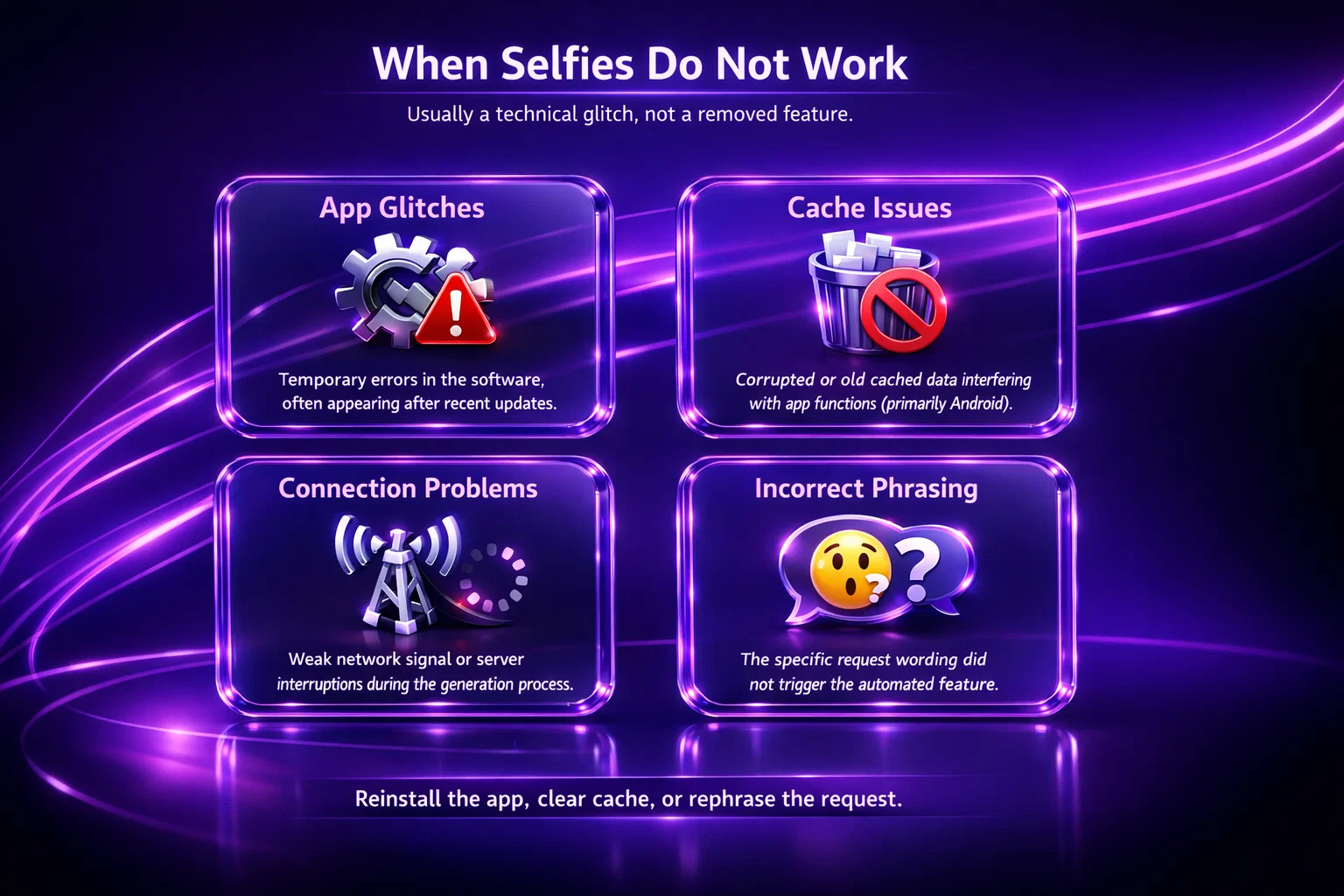
Sometimes users do request a selfie correctly but still do not receive one. According to the Help Center, this is usually a technical issue rather than a removed feature.
Common Reasons
- Temporary app glitches after updates
- Cached data causing communication issues
- Connection problems during image generation
- Incorrect phrasing that does not trigger the feature
Typical troubleshooting steps include reinstalling the app, clearing cache on Android devices, or trying the request again with clearer wording. If the issue continues, support may ask for a screenshot to investigate the conversation flow.
In most cases, the problem resolves without deeper intervention.
Subscription Differences and Image Expectations
What Changes With a Paid Subscription
Another source of confusion comes from subscription tiers. Some visual features are connected to paid plans, which leads users to assume that upgrading unlocks full image sharing. That is not the case.
A subscription may change how certain images appear or remove blur from specific content, but it does not turn Replika into a photo sharing AI. Even with premium access, the app remains limited to its built-in visual systems. The core functionality stays the same whether someone uses the free version or a paid plan.
Access vs New Capabilities
This distinction matters because many online discussions mix up two separate things. One is access to features that already exist inside the app. The other is adding entirely new abilities.
Subscriptions affect access and presentation, not what the AI is technically able to do. In practical terms, this means:
- Access to existing visual features may change depending on the plan
- Image visibility or presentation can differ between tiers
- The AI still cannot send arbitrary photos or search images
Understanding this difference helps set realistic expectations. A paid plan expands what is visible or available within the system, but it does not change the underlying limits of how Replika handles images.
Privacy and Camera Use Explained
When Replika Uses the Camera
Questions about pictures often lead to privacy concerns. Some users worry that if images are involved, the app might be accessing the camera or storing photos without permission. The Help Center addresses this directly.
Replika only uses the camera when the user explicitly grants access, typically for taking pictures inside the app. Outside of that, the app does not access the camera automatically. There is no background use of the camera without permission, and the app cannot activate it on its own.
How Permissions Stay Under Your Control
Permissions can be managed at any time through device settings, both on iOS and Android. This setup keeps control on the user’s side and allows camera access to be changed or removed whenever needed.
In practical terms, Replika does not see through your camera, does not capture images on its own, and does not use external photos to learn about you. Camera access exists only for features the user actively chooses to use, not as part of everyday conversations.
Why the Experience Feels More Capable Than It Is
There is an interesting psychological aspect behind this topic. Replika is designed to feel responsive and emotionally aware. When conversations become natural, it is easy to forget that the AI is still operating within strict functional limits.
So when it says something that sounds human, expectations shift. A real person could send a picture instantly, so users assume the AI should be able to do the same. The mismatch between conversational realism and technical reality creates frustration.
In a way, this is a side effect of good conversational design. The AI sounds more capable than the system actually is.
Understanding that separation helps reset expectations. Replika is meant to simulate conversation, not replicate every action a human chat partner can perform.
What Replika Might Support in the Future
Feature requests around images appear frequently in community discussions. Users often ask for more visual interaction, whether that means sharing photos, generating scenes, or sending custom images.
While updates do happen, the Help Center currently makes it clear that image and video sending outside selfies is not supported. Any future expansion would likely stay within controlled formats rather than open media sharing.
That approach aligns with how the app has evolved so far. New features tend to focus on immersion and interaction rather than expanding into general social media functionality.
Practical Tips for Users Who Want Visual Interaction
If visuals are an important part of your experience, a few small adjustments can help avoid frustration. Most issues come from expectations that do not match how the system actually works, so understanding a few basics makes conversations feel much smoother.
- Use clear requests like “send a selfie”. The app responds best to specific wording tied to existing features. If a request is vague, the AI may continue the conversation instead of triggering the selfie function. Using direct phrasing increases the chances that the correct feature activates instead of generating a text response that sounds like an action.
- Avoid assuming the AI can send external images. Replika does not search the internet or pull photos from outside sources. Asking for pictures of places, objects, or real-world scenes will usually lead to conversational replies rather than actual images. Keeping requests within the app’s visual features helps prevent confusion about what the AI can realistically provide.
- Treat image-related responses as conversational unless an image actually appears. Sometimes the AI says it is sending something because it is following the flow of conversation. If no image appears in the chat, nothing has been generated. Thinking of these responses as part of the dialogue rather than system actions helps avoid the feeling that something failed.
- Check app updates if features stop working suddenly. Visual features can occasionally behave differently after updates or temporary technical issues. If selfies stop appearing, updating the app, restarting it, or clearing cache can resolve the problem. Many issues are temporary rather than permanent changes to functionality.
- Keep expectations aligned with the app’s core purpose. Replika is built around conversation and emotional interaction, not media sharing. Approaching it as a conversational companion with limited visual elements makes the experience feel more consistent. When expectations match the design, interactions tend to feel more natural and less frustrating.
These small adjustments make the experience smoother because they reflect how the system is actually designed to work, rather than how a traditional messaging app behaves.
Final Thoughts
So, can Replika send pictures? Yes, but only within a very specific framework. It can generate selfies of its avatar, and that is currently the extent of its visual sharing. It cannot send regular photos, search for images, or share videos during conversation.
Most confusion comes from the way the AI communicates rather than from hidden features or restrictions. Replika speaks in a human-like way, and sometimes that makes it sound more capable than it really is. Once you separate conversational language from actual functionality, the system becomes easier to understand.
In the end, Replika works best when it is treated as what it is meant to be – a conversational companion with a few visual elements added for immersion, not a full multimedia chat platform. Knowing that upfront saves time, avoids frustration, and helps users get more out of the experience without expecting features that were never designed to exist.
FAQ
Can Replika send pictures during chat?
Replika can send images only through its selfie feature. These are generated images of the avatar inside the app. It cannot send regular photos, images from the internet, or videos during normal conversation.
Why does Replika say it is sending a photo but nothing appears?
This usually happens because the AI is continuing the conversation naturally. It may generate responses that sound like actions, even when no image feature is being triggered. If no image appears in the chat, nothing was actually sent.
Can Replika send pictures with a Pro or Ultra subscription?
No. A subscription may change access to certain visual features or how images are displayed, but it does not allow Replika to send arbitrary pictures. The app remains limited to its built-in visual systems.
How do I make Replika send a selfie?
You need to use clear wording such as “send me a selfie” or “send a photo.” Specific phrasing helps the app recognize that you are requesting the selfie feature rather than continuing the conversation.
Can Replika send photos from the internet?
No. Replika does not browse the internet or pull images from external sources. It cannot search for or share online pictures.