
Canceling a subscription should be simple. With Candy AI, it mostly is, but only if you know where to look and what to expect.
A lot of people don’t search for “how to cancel Candy AI” because they’re angry or trying to make a point. They search because something didn’t line up. Maybe the tokens ran out faster than expected. Maybe the renewal caught them off guard. Or maybe they just tried the service and realized it wasn’t for them.
This guide walks through how to cancel a Candy AI subscription step by step, explains what actually happens after you cancel, and clears up the small details that tend to cause the most frustration. No scare tactics. No filler. Just the practical stuff you need to get it done and move on.

Why People Get Confused About Canceling Candy AI
Candy AI does not make cancellation impossible. In fact, the option exists inside the account settings, exactly where most people expect it to be. The confusion comes from everything around that option.
First, Candy AI uses multiple systems at once. There is a subscription, but there are also tokens. Those two things are related, but not interchangeable. Canceling your subscription does not automatically refund unused tokens. Buying tokens does not extend your subscription. For many users, that distinction only becomes clear after they try to cancel.
Second, the platform does very little explanation inside the interface. The help center provides steps, but not context. It tells you where to click, not what the outcome will feel like. That gap is where frustration grows.
Finally, some users subscribe through external platforms such as app stores. In those cases, Candy AI cannot cancel the subscription directly, even if you are logged into your account. That detail is easy to miss.
Understanding these three points upfront removes most of the stress from the process.
What Happens When You Cancel a Candy AI Subscription
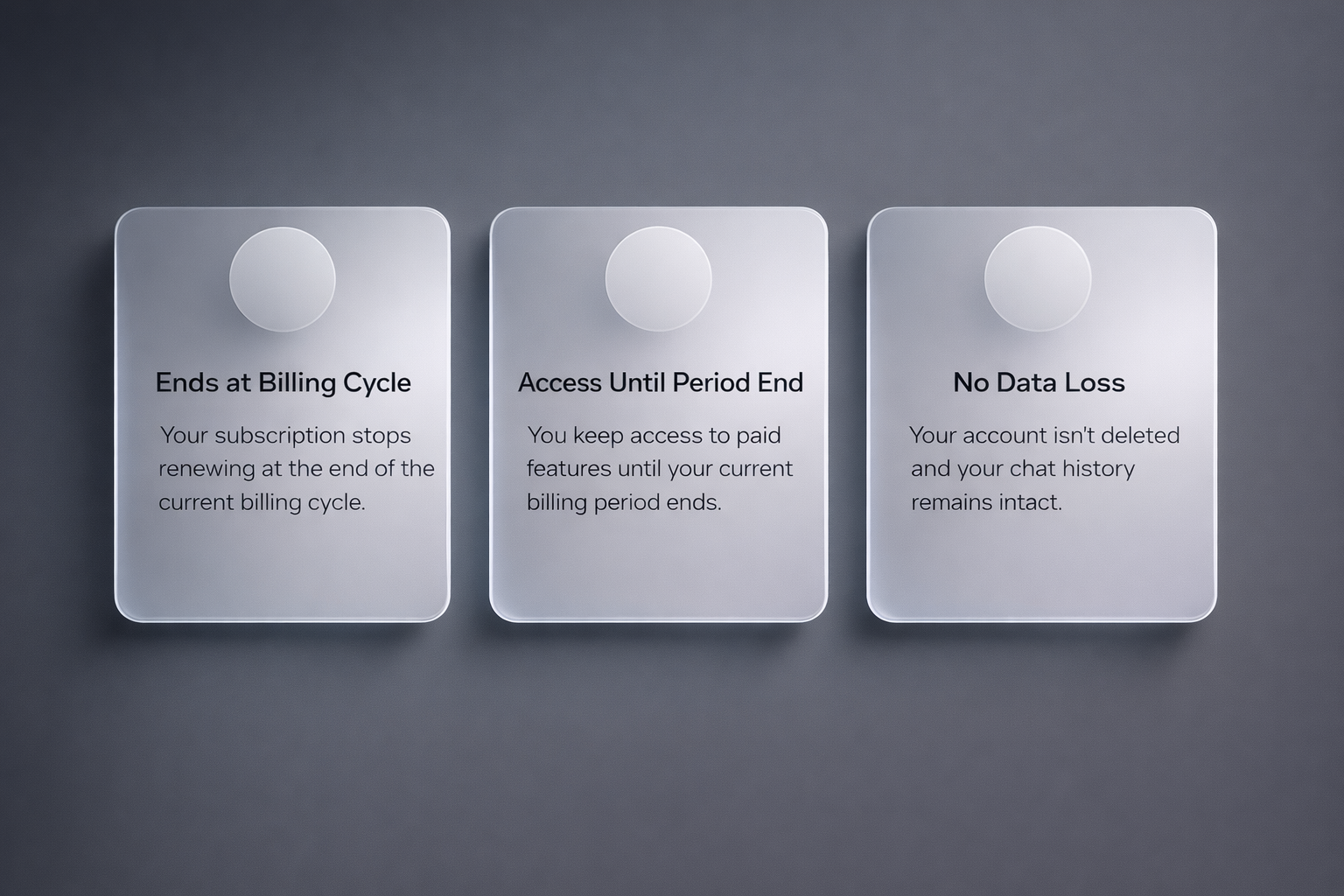
Before touching any settings, it helps to know what canceling actually does.
When you cancel your Candy AI subscription:
- Your subscription stops renewing at the end of the current billing cycle
- You keep access to paid features until that billing period ends
- Your account is not deleted
- Your chat history usually remains intact
- Purchased tokens are not refunded
Canceling does not instantly lock you out, and it does not wipe your account unless you take additional steps. This matters because many users hesitate to cancel out of fear that they will lose everything immediately.
That fear is understandable, but in most cases, it is unfounded.
Step by Step: How to Cancel Your Candy AI Subscription
If you subscribed directly through the Candy AI website, the process is straightforward.
Step 1: Log into Your Account
Go to the Candy AI website and log in using the account you used to subscribe. Make sure you are logged into the correct email address. Many failed cancellations happen simply because users are in the wrong account.
Step 2: Open Your Profile Menu
Once logged in, navigate to your profile area. This is usually accessible through a profile icon or menu in the interface.
Step 3: Go to Settings
Inside the profile menu, select the option labeled Settings. This is where subscription and billing information lives.
Step 4: Scroll to Subscription Details
Scroll toward the bottom of the settings page. You should see your current subscription plan, renewal date, and billing status.
Step 5: Click Unsubscribe
There will be an Unsubscribe or Cancel Subscription button. Click it and follow the on-screen prompts. Some users report a confirmation step or short questionnaire. Complete it fully.
Step 6: Confirm Cancellation
After confirming, you should see a status update showing that your subscription will not renew. In most cases, you will also receive a confirmation email. Save that email.
If you do not see a confirmation message, do not assume the cancellation failed. Refresh the page and check your subscription status again.
Canceling If You Subscribed Through an App Store
If you subscribed through Apple or Google, the process is different.
Candy AI cannot cancel subscriptions that are managed by third-party app stores. In these cases, you must cancel through the platform that processed the payment.
Apple App Store
- Open your device settings
- Tap your Apple ID
- Go to Subscriptions
- Find Candy AI
- Tap Cancel Subscription
Google Play Store
- Open Google Play
- Tap your profile icon
- Go to Payments and subscriptions
- Select Subscriptions
- Find Candy AI
- Tap Cancel
If you cancel through an app store, the subscription status inside Candy AI may not update immediately. This is normal. The store controls billing, not the app.
Why You Might Still See Prompts to Buy Tokens After Canceling
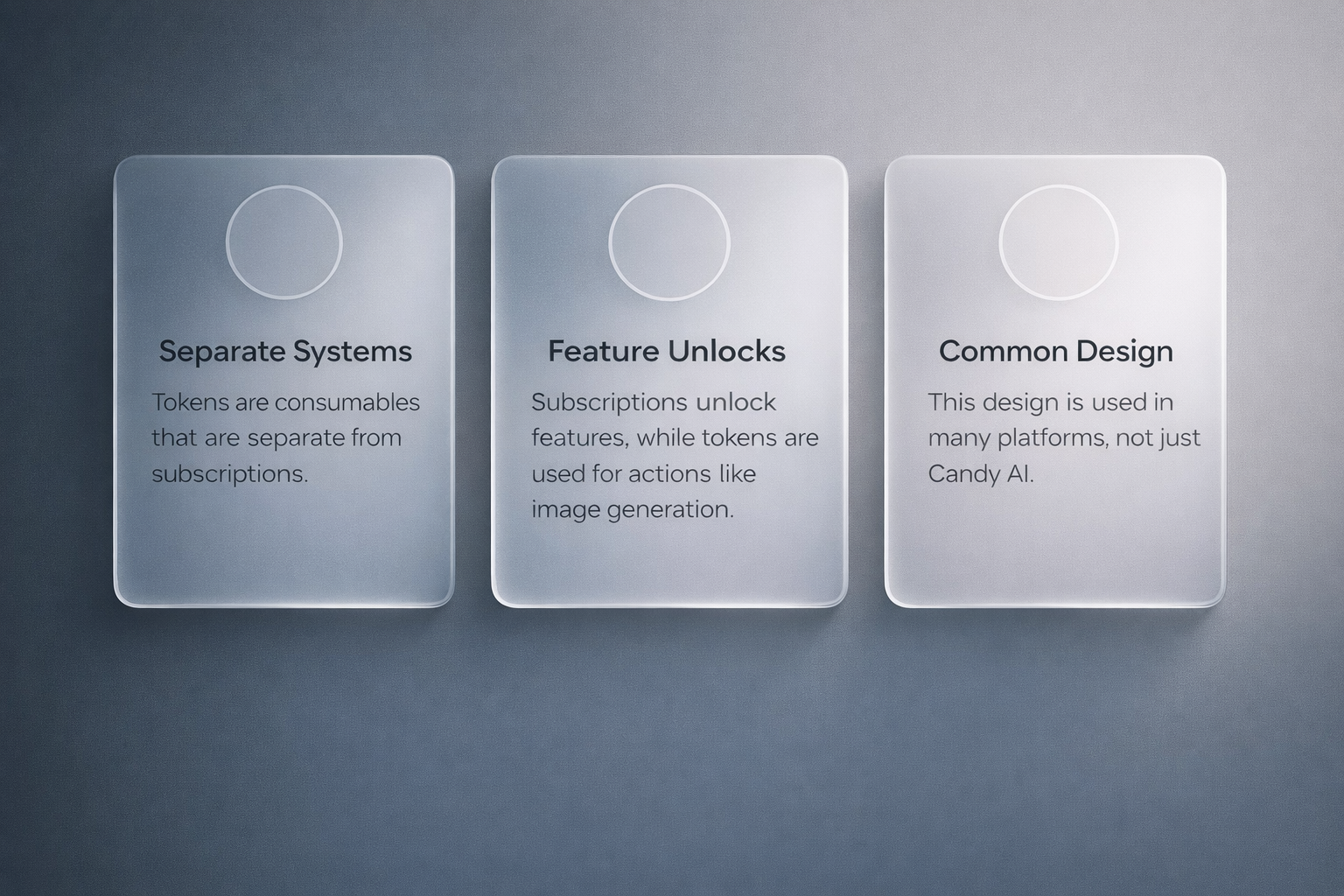
One of the most common complaints after cancellation is this: users cancel their subscription, but the platform still asks them to buy tokens.
This happens because tokens are separate from subscriptions.
A subscription unlocks certain features and allowances. Tokens are consumables used for specific actions like image generation or extended interactions. Canceling one does not disable the other.
This design is not unique to Candy AI, but it is poorly explained inside the platform. As a result, users often assume something went wrong when it did not.
What Canceling Does Not Do
It is just as important to know what canceling does not do.
Canceling does not:
- Refund past charges
- Refund unused tokens
- Delete your account
- Remove stored chats automatically
- Block access immediately
If your goal is to remove your data or close your account entirely, canceling the subscription is only the first step.
How to Delete Your Candy AI Account After Canceling
Some users want a clean break. If that is you, account deletion is a separate process.
After canceling your subscription:
- Go back to account settings
- Look for account deletion or data removal options
- Follow the confirmation steps
In some cases, you may need to contact support to complete full deletion. Always cancel your subscription first. Deleting an account without canceling billing can create unnecessary complications.
Why Some Users Feel the Process Is Unfair
Most frustration around Candy AI cancellation does not come from technical difficulty. It comes from expectations.
Many users assume that canceling will immediately stop all costs and prompts. When they still see token offers or paid features during the remainder of the billing cycle, they feel misled.
This is not uncommon in subscription platforms, but the lack of clear explanation amplifies the reaction. Transparency matters more than mechanics.
When You Should Contact Your Payment Provider
In rare cases, billing issues persist after cancellation. If you canceled correctly and still see charges:
- Gather your cancellation confirmation
- Contact Candy AI support
- If unresolved, contact your payment provider
Payment providers can block future charges if necessary, but this should be a last resort, not the first step.

A Simpler Alternative After Canceling Candy AI
If you cancel Candy AI and realize that what you actually wanted was visual content without subscriptions, tokens, or conversations, that is where we come in.
We built R34.app for a very specific reason. Not everyone wants an AI companion. Not everyone wants to manage credits, memory systems, or emotional framing. Some people just want to browse.
That is the experience the platform focuses on.
The platform does not offer chat. It does not simulate personalities. It does not ask users to define what kind of relationship they are looking for. R34.app is designed as a fast, searchable browser for Rule 34 porn videos, GIFs, and images sourced from well-known Booru sites.
Everything revolves around discovery.
- You search by tags
- You filter by trends or formats
- You scroll and explore
That is it.
There are no subscriptions required to browse. No renewal dates to remember. No tokens that disappear mid-session. You open the site, type what you are looking for, and start viewing content immediately.
The platform is also designed to remain flexible. If the main site is blocked in a user’s country, alternative access points are provided. For updates, R34.app maintains a presence on social platforms. For suggestions and feature requests, an open feedback site is available where users can propose ideas, vote, and discuss improvements.
R34.app is not a replacement for AI companions. It is an alternative when your interest is visual content rather than interaction. If canceling Candy AI made you realize that conversation was never the main draw, browsing might suit you better.
Final Thoughts
Canceling a Candy AI subscription does not have to be stressful. The process itself is simple. The confusion comes from missing context, unclear explanations, and assumptions that do not match how the system actually works.
If you approach it with the right expectations, follow the correct steps for your payment method, and keep confirmation records, you can cancel cleanly and move on without issues.
That is how subscription management should feel. Quiet. Uneventful. Done.
Frequently Asked Questions
Can I cancel my Candy AI subscription at any time?
Yes. You can cancel your Candy AI subscription at any point. Canceling stops future renewals, but your access usually continues until the end of the current billing period.
Will I lose access immediately after canceling?
In most cases, no. You keep paid features until your current billing cycle ends. Cancellation simply prevents the next charge from happening.
Does canceling my subscription delete my account?
No. Canceling only affects billing. Your account, chats, and settings typically remain unless you separately request account deletion.
Are unused tokens refunded when I cancel?
No. Tokens are treated as consumables and are not refunded when you cancel a subscription, even if you have not used them all.
Why does Candy AI still ask me to buy tokens after I cancel?
Because subscriptions and tokens are separate systems. Canceling your subscription does not disable token purchases or remove token prompts.