
Candy AI isn’t your average chatbot. It’s more like a build-your-own companion you can talk to, flirt with, customize, and, depending on your settings, get a little weird with. But if you’re new to it, figuring out where to start can be confusing.
The platform throws a lot at you: characters, image generation, story mode, even voice calls. Add in that whole token system, and it’s easy to burn through features without knowing what’s worth your time (or your wallet).
This guide keeps it simple. No fluff, no sales pitch. Just a clear, honest walk-through of how to use Candy AI, from setting up your first character to understanding what you’re actually paying for.
Getting Started with Candy AI
Candy AI is a browser-based platform where you can create, customize, and chat with AI characters. It’s not just for quick one-liners or simple replies. You’re building a relationship with a virtual companion that evolves over time. Whether you’re looking for flirty chats, story-driven scenarios, or visual immersion, this app leans fully into the roleplay angle.
The good news? You don’t need to install anything or worry about device compatibility. Candy AI runs as a progressive web app (PWA), so while it launches in a browser, it can feel and function like a native mobile app on phones and tablets.
But there’s still a learning curve, especially with tokens, settings, and the NSFW toggle.
Looking for Visual Inspiration? Here’s Where We Fit In
If you’re already using Candy AI’s NSFW mode or playing with visual prompts, chances are you’ve wanted a little creative boost. That’s where we come in.
AtR34.app, we give you an easy way to search, browse, and discover the kind of content that helps spark your next idea or prompt. We’re not trying to be a replacement for apps like Candy AI. Instead, think of us as a side tool. Whether you’re crafting a new AI girlfriend, planning a story arc, or just want a visual reference for a particular game, anime, or tag, our platform gives you instant access to trending images, GIFs, and animated scenes based on the characters you already love.
We keep things simple. No fluff, no pop-ups, and no guessing games. Just search what you’re into, use filters to narrow it down, and pick up right where you left off next time. We even support users in regions where other platforms might be restricted, with alternate access options to keep your experience smooth and uninterrupted.
Your First Steps: From Sign-Up to Talking with Your AI
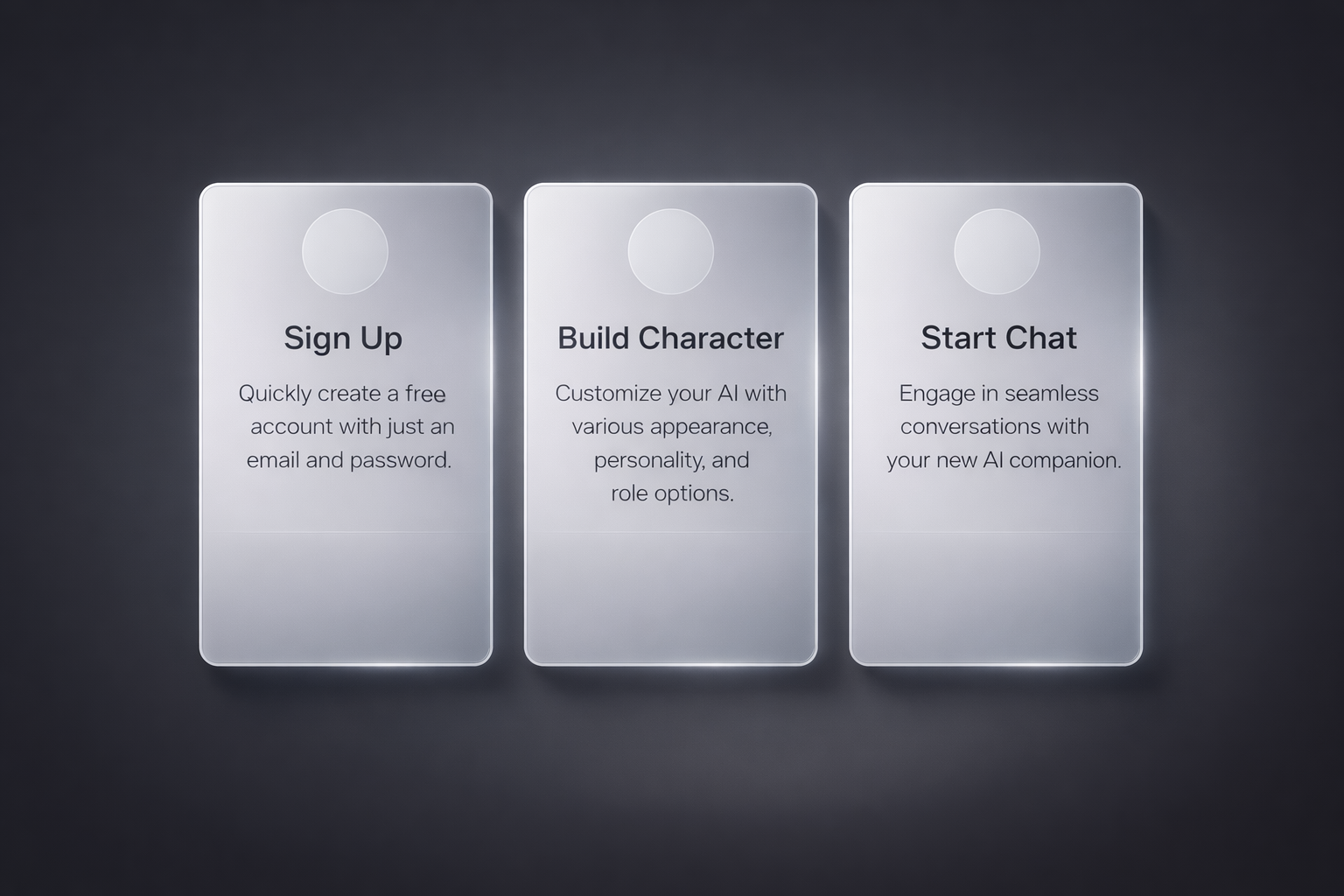
Getting started with Candy AI is pretty straightforward, but there are a few things worth knowing before you dive in. From setting up your account to building your first character and jumping into a chat, here’s how to make those early steps smooth and simple.
Step 1: Creating a Free Account
You can get started in under a minute. Just sign up with an email and set a password. You’ll land on a clean, minimal dashboard that offers instant access to character creation and chat features.
You don’t need to pay anything to try it out. The free version lets you:
- Create a basic AI companion.
- Chat using text.
- Access limited memory features.
- Explore a few story prompts.
But as you’ll see later, most of the deeper features (images, calls, NSFW, etc.) are locked behind Premium or tokens.
Step 2: Build Your AI Character
This is where the experience gets personal. The character builder is like a sandbox for personality and aesthetics.
Here’s what you can customize:
- Appearance: Choose between anime or realistic styles. Adjust body type, age range, ethnicity, and even fashion.
- Personality: Pick from around a dozen styles like shy, flirty, confident, or mysterious.
- Voice and tone: Choose one of several voice options, though not all sound great.
- Backstory and role: You can assign your AI a job, hobby, or relationship type (friend, girlfriend, fantasy role, etc.).
Once built, your character summary shows up so you can tweak anything before saving. Don’t stress about getting it perfect the first time. You can edit it later.
Step 3: Start the Chat
Now comes the real test: how does it actually talk?
Click on your character and open the chat box. The conversation interface is lightweight but functional. It’s not full-screen, which can be annoying for long messages, but it works.
What you’ll notice:
- The tone feels casual, flirty, or thoughtful depending on your setup.
- The AI adapts over time (kind of). It remembers basic facts for a while but not permanently unless you’re on Premium.
- There’s no abrupt filter wall like some apps. The tone stays consistent, even during adult conversations.
It’s not perfect, but it’s definitely more immersive than traditional bots.
Understanding the Token System
Here’s where things get real.
Even if you’re on Premium, Candy AI runs on tokens for most advanced features. Think of tokens like an in-app currency.
What costs tokens:
- Generating images or selfies.
- Making voice calls.
- Unlocking NSFW scenes.
- Using complex story or media features.
Tips to save tokens:
- Stick to chat before exploring visuals.
- Batch your image requests instead of clicking impulsively.
- Skip the NSFW videos unless you’re sure it’s worth the cost.
- Use the V2 image engine sparingly (it looks better but eats more tokens).
Unlocking Premium: Is It Worth It?
The Premium plan costs around $13/month but may be less if paid upfront. What you get with Premium:
- Longer memory retention.
- Access to voice and audio features.
- Story Mode with branching narratives.
- Ability to generate images.
- Faster, smoother replies from the AI.
Premium gives you access to advanced features and may include a monthly token allowance, but tokens are still required for many actions like image generation and voice calls.
For anyone who wants more than just light chatting, Premium is almost mandatory. The free version gives you a sense of the tone, but it quickly runs out of steam.
Top Features That Make Candy AI Stand Out
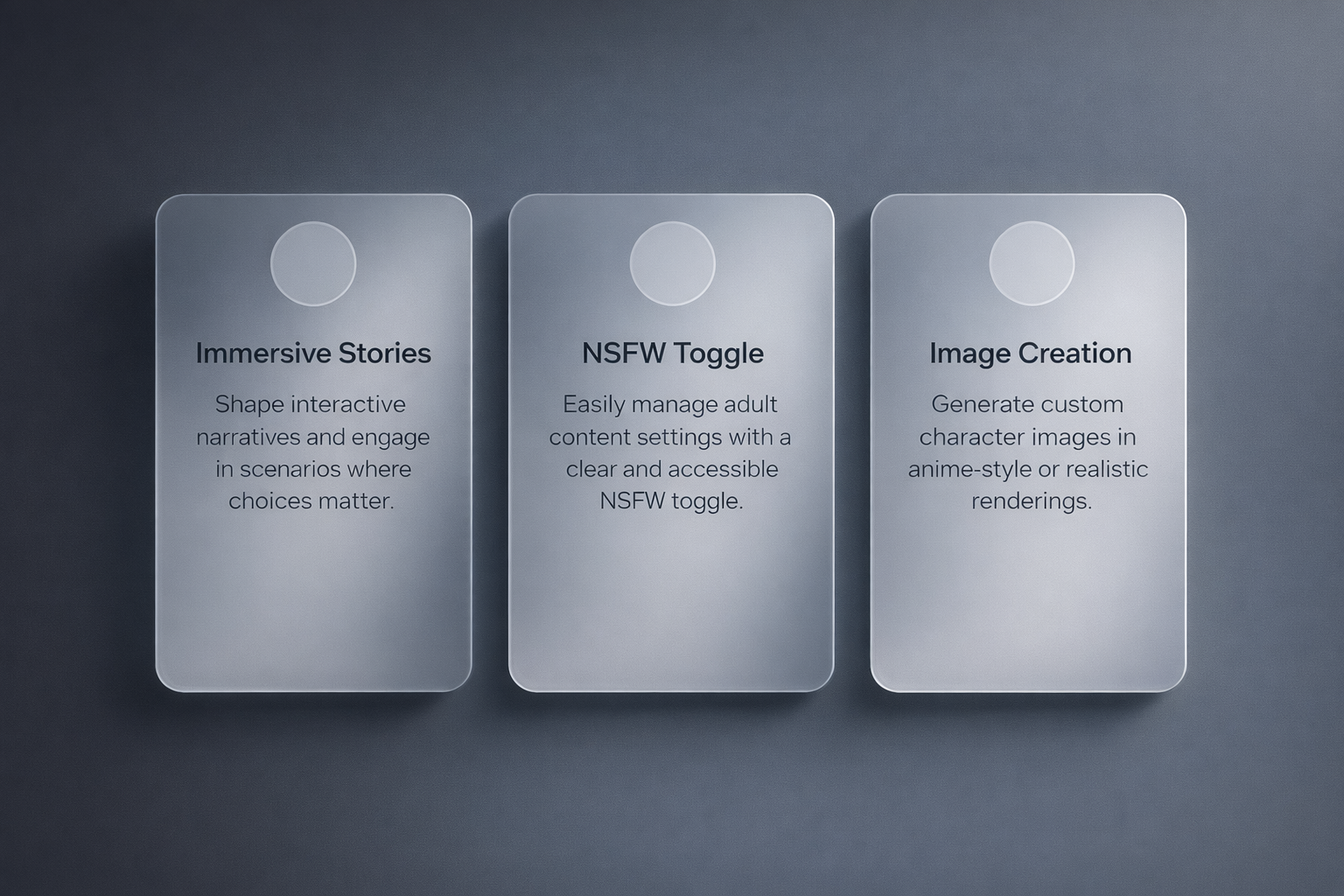
Candy AI isn’t just about chatting with a digital companion. What makes it different is the layered experience it offers once you get past the basics. If you’ve already set up your character and had a few conversations, these are the features that take things further and help shape the kind of interaction you actually want.
Storytelling: The Unexpected Highlight
Most companion apps focus on simple back-and-forth conversation. Candy AI actually tries something different with immersive storytelling.
You can jump into scenarios where you shape what happens next. These are like short, interactive narratives. Think romantic dates, fantasy adventures, futuristic roleplay, or even stranger setups.
It’s not just fun, it gives the AI a stronger sense of pacing. And if you prefer dialogue that builds rather than just jumps to “spicy,” this is the place to be.
NSFW and Filters
Candy AI offers a clear toggle for NSFW content, making it easier to manage adult themes without digging through hidden settings. When NSFW is enabled, users gain access to:
- Flirty or sexually suggestive conversations.
- Erotic image generation (requires tokens).
- Romantic or adult-themed roleplay scenarios.
The approach is generally slower-paced and leans toward fantasy and emotional buildup rather than explicit detail. This style appeals to users who prefer a more narrative-driven experience.
Still, the platform does apply moderation rules. While it avoids abrupt interruptions, content must stay within accepted guidelines. Some users report that responses in NSFW scenes can feel slightly scripted or limited, but the AI typically stays in character without issuing sudden warnings unless boundaries are clearly crossed.
Voice and Audio Features
You can call your AI companion using voice messages or live calls. It’s a cool feature, but it’s not as emotionally rich as it sounds.
- The voice quality is decent, but not very lifelike.
- Most voices sound a bit robotic or flat.
- You’ll burn 3 tokens per minute, so calls get expensive fast.
In short, it’s fun to try once or twice, but not something most users stick with. The audio novelty wears off quicker than visual features.
Image Generation
Candy AI includes visual tools for creating stylized images of your AI companion. The built-in image generator lets you create selfies or portraits based on your selected prompts, outfits, poses, or environments. You can choose between anime-style or more realistic renderings.
The platform uses an image generator that lets you create selfies or portraits based on your selected prompts, outfits, poses, or environments. You can choose between anime-style or more realistic renderings.
Managing Privacy and Account Settings
Privacy is a concern that comes up a lot with apps like this. While Candy AI doesn’t openly advertise end-to-end encryption, they do offer discreet billing, the ability to delete your data, and two-factor authentication.
To manage your data, go to your Profile, look for the Danger Zone to delete your account or wipe history, and use Unsubscribe to cancel billing.
That said, assume that chats are stored on their servers. Avoid sharing personal info like your real name, address, or images you wouldn’t want saved.
Best Use Cases for Candy AI
Not everyone will get the same value out of Candy AI. It’s better suited to some users than others.
It works best for:
- Roleplayers who enjoy storytelling, visual immersion, and branching dialogue.
- Anime fans looking for stylized companions.
- Curious users exploring romantic or flirty AI interactions.
- Anyone comfortable budgeting for tokens and not needing total privacy.
Probably not the best fit for:
- Users seeking emotional wellness tools.
- Privacy-first users who need full encryption.
- Anyone expecting realism in voice or video.
- People who hate microtransactions.
Useful Tips Before You Dive In
Here’s a quick checklist to avoid the common headaches:
- Use free chat first to get a feel for the tone.
- Create multiple characters to experiment with styles.
- Track your tokens so you don’t accidentally burn through $50 overnight.
- Toggle NSFW only if you’re comfortable with adult themes.
- Try Story Mode if regular chat gets repetitive.
- Don’t share personal details even if the chat feels private.
Final Thoughts
If you treat Candy AI like a hobby rather than a free app, it’s honestly impressive. The character creation feels deep, the chat tone is smooth, and the visuals are polished. It offers way more immersion than basic bots.
Just don’t expect it to be free. You’ll either pay with time (and limits) or with tokens. The Premium subscription opens things up, but you’ll still need to budget for extras.
For people who like AI companions with a dose of creativity, flirtation, and fantasy, Candy AI delivers a unique experience that doesn’t feel like a cheap chatbot clone.
If that sounds like your thing, give it a shot.
FAQ
Do I need to pay to use Candy AI?
Not right away. You can sign up and start chatting for free. The free tier lets you test the waters with a basic AI companion and limited memory. But if you want things like image generation, storytelling, or NSFW content, you’ll either need a Premium plan or tokens (or both).
What are tokens, and why does everything seem to cost them?
Tokens are Candy AI’s in-app currency. You’ll need them for extras like generating images, making voice calls, or unlocking certain scenes. It’s easy to burn through tokens fast, so it’s worth planning how you want to use them rather than clicking around blindly.
Can I actually create my own AI character?
Yes, and that’s one of the best parts. You can customize how your character looks, sounds, acts, and even what kind of relationship you have with them. It’s like building a video game character, but one that talks back and remembers bits of your conversations.
Is Candy AI safe to use?
It’s mostly safe, but don’t treat it like a private journal. There’s no confirmed end-to-end encryption, and your chats are probably stored on their servers. Billing is discreet, and you can delete your account at any time, but it’s still smart to avoid sharing anything too personal.
How realistic is the AI?
It depends on what you’re expecting. Text chats feel surprisingly natural once the AI picks up your tone. Voice calls are less impressive and still sound robotic. But for roleplay or story-based conversations, it holds up well, especially if you’re into anime-style or fantasy settings.
What’s the deal with NSFW mode?
You can turn it on or off anytime. When it’s on, your AI companion can get flirty, romantic, or explicit depending on your settings and prompts. Some users say it can feel a bit scripted at times, especially in NSFW scenes, but it still maintains tone consistency.