
If you’ve ever opened Candy AI and just stared at the screen, wondering how the hell you’re supposed to find that one character or pick a decent chat thread without falling into an endless scroll trap, you’re not alone. The platform looks simple on the surface, but once you get into it, there’s way more going on under the hood.
The good news? You don’t need to memorize any fancy commands or dig through outdated forums. You just need to know where to click, what to type, and how to filter the flood of content into something you actually want to spend time with. This guide breaks it down in plain terms – no fluff, no sales pitch. Just how to make Candy AI search work for you.
Let’s Be Honest: The Search on Candy AI Isn’t Always Intuitive
Candy AI throws you into this huge playground of characters, stories, and roleplay possibilities. But once you’re in, finding something specific? That’s a different story. Whether you’re looking for a flirty anime companion, a fantasy adventure, or just a chill chat, the built-in search needs a bit of know-how to actually be useful.
What Makes Candy AI’s Search Worth Understanding
At first glance, the search bar looks simple. Type in something and hope for the best. But Candy AI is packed with content from both the developers and the user community, which means:
- You can easily get overwhelmed.
- Results may not always feel relevant.
- Some of the best stuff is buried unless you search smart.
This isn’t like Googling. The results depend a lot on keywords, tags, and how creators label their characters. So instead of letting the feed decide what you see, learning how to take control of the search can make the whole experience a lot more personal (and less frustrating).
If You Like Searching on Candy AI, You’ll Probably Want This Too
We built R34.app for people who want fast, filtered access to the kind of animated content that isn’t always easy to find. If you’ve ever searched Candy AI looking for a certain theme or character vibe, you’ll get what we’re doing right away. Our platform is designed around clean, tag-based browsing with a focus on hentai, anime characters, and in-game personas.
The layout’s stripped down and snappy. You can search by tag, jump back into what you were last looking at, or hit the trending section when you just want to see what’s hot right now. Whether you’re after something specific like genshin_impact or just browsing to find a vibe, our system makes it easy to get there without clicking through clutter. Everything’s organized, filterable, and updated constantly.
We’re not here to be complicated. We’re here to make sure your search feels effortless and relevant. If you’re already spending time on platforms like Candy AI where character interaction is a big deal, R34.app adds that extra layer of visual discovery without the mess. Same energy, different medium.
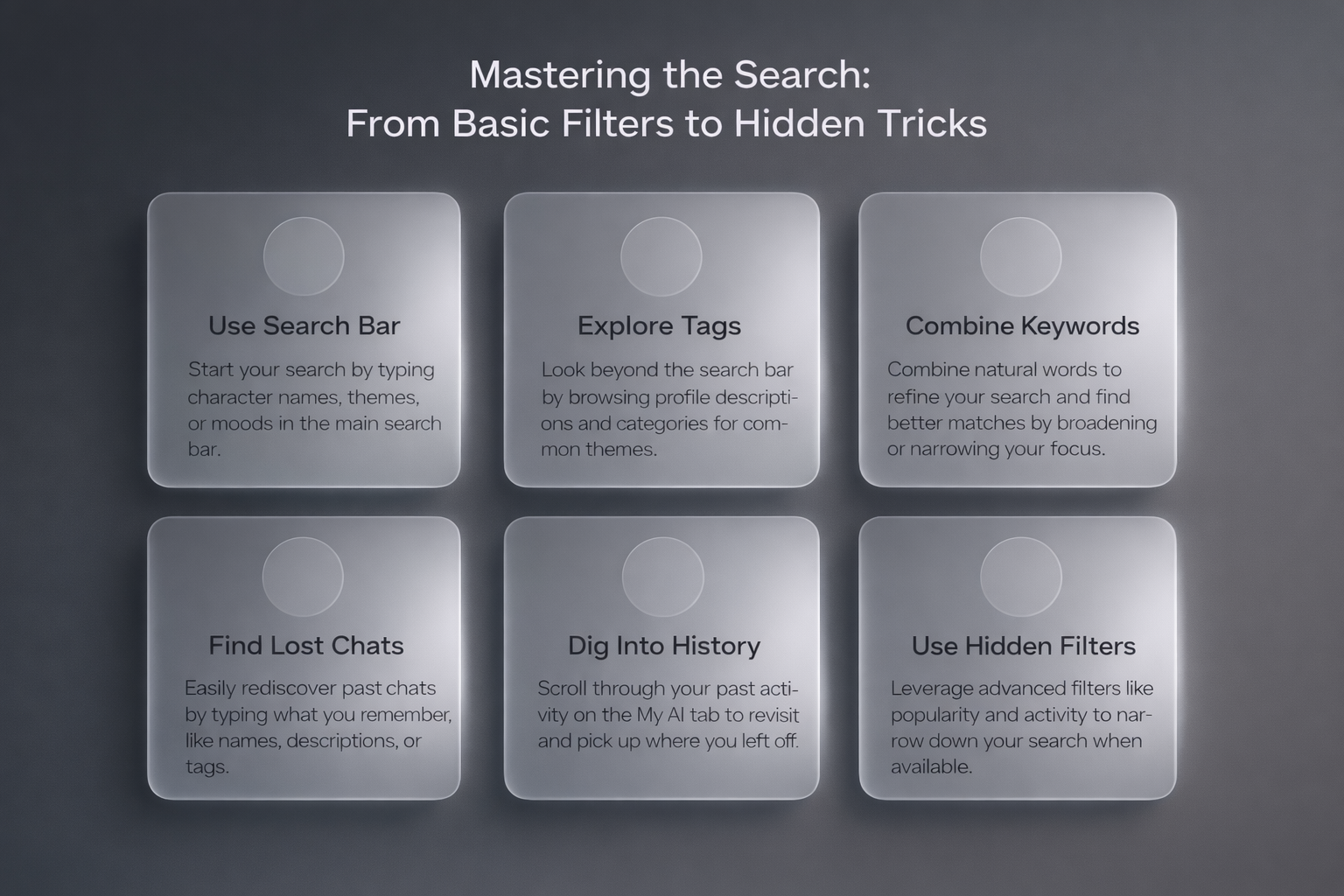
Mastering the Search: From Basic Filters to Hidden Tricks
Searching on Candy AI isn’t just about typing something into a box and hoping for the best. If you want better matches, fewer misses, and less time wasted scrolling, you need to know how the system actually works. The platform gives you more control than it seems at first glance, but most people barely scratch the surface.
This section walks through everything that makes searching better – from where to start and what to type, to digging up old chats and using filters that actually save time. Whether you’re brand new or already deep in the Candy AI rabbit hole, these tips will help you get around faster and find exactly what you’re looking for.
First Things First: Where to Start Your Search
When you land on the Candy AI dashboard or homepage, you’ll spot a main search bar. That’s your starting point. This is where you type in the names, themes, or moods you’re in the mood for.
What you can enter:
- Character names (exact or partial).
- Tags or personality types (e.g. “goth,” “gentle,” “adventurer”).
- Situations or vibes (“space story,” “cafe date,” “emotional support”).
The nice part is, even if you don’t get it exactly right, Candy AI supports partial matches. So typing “vamp” will still surface characters with vampire themes, even if you forgot the full name.
Going Beyond the Search Bar: Exploring Tags and Categories
Here’s where a lot of people get stuck: they rely only on the search bar and miss other ways to discover content. While Candy AI doesn’t have an official tag-based navigation system, you can still find themes and character types by looking closely at profile descriptions and categories shown on the main pages.
Some sections like “Discover” or “Explore” may highlight popular characters or trending styles. You might notice recurring themes like romance, fantasy, or emotional support in the descriptions. These aren’t clickable tags, but they can guide your search and help you spot patterns in what’s currently active or popular.
Don’t Skip These Hidden Tricks That Make Searching Way Easier
Now let’s move into slightly more advanced territory. The way you phrase your keywords still matters more than most people expect.
Try combining words naturally, the way a person would describe what they want. For example, typing romantic quiet may surface characters that match both ideas because those words appear together in descriptions. Using alternatives like k-pop popstar can broaden results if creators use either term in their profiles. Leaving out words you do not want and focusing only on the traits that matter helps avoid pulling in unrelated themes.
It sounds subtle, but small changes in wording can noticeably affect what appears in your results and help you cut through a lot of noise faster.
How to Find That One Character You Can’t Stop Thinking About
Sometimes you talk to a character once, and then days later, you want to find them again. But the name’s a blur, and now you’re lost. Don’t panic.
Here’s what to do:
- Start typing anything you remember: name, role, description, hobby.
- Look for clues in profile blurbs (they often describe appearance or backstory).
- Try using a tag or keyword that fit their vibe (e.g. “cyberpunk bar,” “tsundere teacher”).
If you find them, bookmark immediately. Candy AI lets you favorite characters for fast access later.
Filters That Actually Help (When They Exist)
Candy AI doesn’t offer advanced filtering like popularity or conversation length, but there are still ways to narrow things down depending on how you browse. Some sections, especially on desktop, may highlight newer or more active characters, though this isn’t always labeled clearly.
If you’re not seeing much variety, try switching from mobile to browser view. The layout can change slightly, and certain browsing options tend to be more visible on the full site. It’s not a perfect system, but with a bit of clicking around, you can usually spot patterns in how characters are grouped or presented.
Digging Through Your Own Chat History
Sometimes you just want to pick up where you left off instead of starting over. Candy AI lets you revisit recent conversations, but only if they’re still saved in your chat list.
To find them, head to the My AI tab and scroll through your recent activity. There’s no full search by keywords, so you’ll need to rely on names, profile images, or timestamps to spot the right one. If the chat wasn’t saved or favorited, there’s a chance it’s gone, especially if some time has passed.
When the Search Just Doesn’t Work (Yes, It Happens)
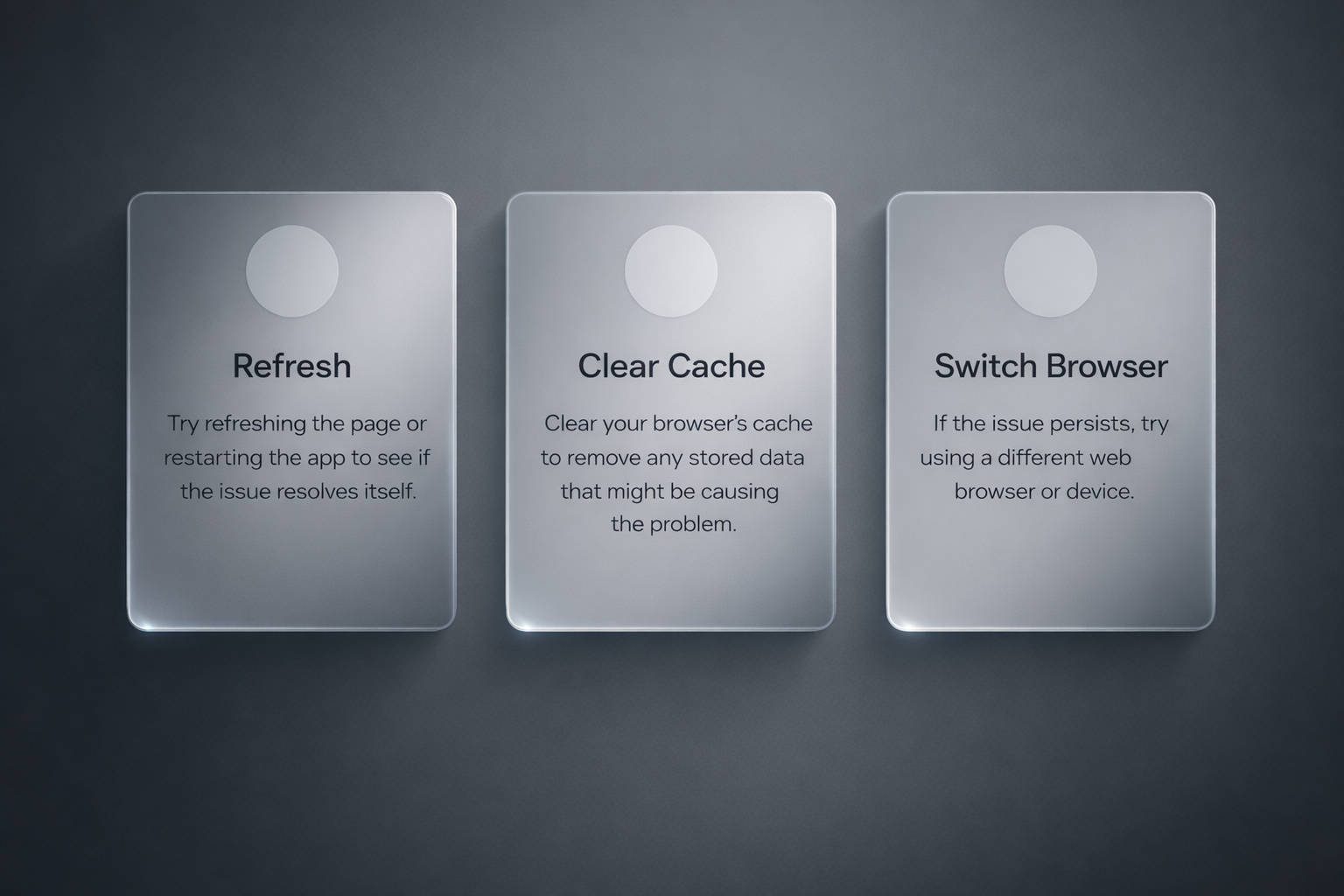
There are moments when Candy AI’s search bar acts up. You type something in and get nothing useful back. Or worse, the whole thing freezes.
Here’s what to try before giving up:
- Refresh the page or restart the app.
- Clear your browser cache.
- Try a different browser or device.
- Check your internet connection.
If it’s still acting up, For technical issues, users are directed to Candy AI’s official help or contact resources listed on the website.
Smart Habits That Make Searching Easier in the Long Run
Candy AI gets easier to use the more you build habits around organization. Sounds boring, but it works.
Here’s what I do:
- Bookmark good characters as soon as I find them.
- Save favorite chats before exiting.
- Name my custom characters with searchable tags (e.g., “sci-fi Ava,” “cottagecore Nina”).
- Use the Discord community to share tags or get prompt suggestions.
These things take seconds, but they save you from digging through clutter later.
Final Thoughts
Searching on Candy AI isn’t about being tech-savvy. It’s about knowing how to slice through the noise. Once you learn how to filter characters by vibe, save what matters, and use the community for ideas, the platform starts working with you instead of against you.
Is it perfect? Not really. You’ll still hit the occasional dead-end or wonder why that one profile won’t show up again. But with the tips in this guide, you’ll avoid most of the mess and spend more time actually enjoying the weird, emotional, sometimes spicy universe Candy AI is built for.
Start smart, save your favorites, and don’t be afraid to experiment. The characters may be virtual, but the connection? Surprisingly real when you get it right.
FAQ
How do I start searching on Candy AI?
Start from the homepage or main chat screen. Look for the search bar near your list of characters or in the top menu. You can type in a name, keyword, or a general vibe like “gamer” or “flirty” to help narrow things down.
Can I search using tags or filters?
Candy AI doesn’t have official tag or filter systems built into the search, but you might notice common words like “romance” or “fantasy” in character names or bios. These aren’t clickable, but using similar terms in your search can still help you find matching profiles.
What if I forgot the name of a character I liked?
Try entering anything you remember – part of their name, their role, or something about their backstory. You can also scroll through your recent chats or favorites if you saved them. If not, it might take some digging to find them again.
Is there a way to search my past conversations?
There’s no full-text search for chat history, but you can revisit conversations listed in your My AI or favorites section. It’s a good idea to bookmark chats you care about while they’re still open.
Why does the search sometimes not return useful results?
The search on Candy AI is pretty basic. It matches words directly, so being too vague might lead to empty or messy results. Try using specific names or themes to improve what you see.
How do I make my own characters easier to find?
If you’re creating characters, give them clear names and write short, descriptive intros. Using relevant words helps others discover them more easily through simple keyword searches.
What’s a good backup if Candy AI search isn’t cutting it?
You can check out other platforms focused on visual discovery, like R34.app. It’s built around filtering by tags and themes, so if you’re into browsing by vibe or fandom, it can offer a faster way to spot something interesting. Just keep in mind – it’s separate from Candy AI.