
DreamGF might’ve started off as a fun experiment – a few custom girls, some spicy chats, maybe a generated voice or two. But if the tokens are adding up, or the auto-renewal caught you off guard, you’re probably wondering how to shut it all down before the next billing cycle. Here’s how to cancel properly, avoid surprise charges, and cleanly exit without dealing with hidden fees.

Why You Might Want to Cancel DreamGF
DreamGF looks great on the surface: you build your own AI companion, get some flirty messages, maybe unlock a few custom photos or voice replies. But for a lot of users, the novelty wears off quicker than expected. The free trial is limited, and if you don’t cancel in time, your card gets charged automatically – no reminder, no warning, just a quiet subscription rollover. And even with a paid plan, most features still chew through tokens. Want another image? Tokens. Want her to talk? More tokens. You’re not just subscribing – you’re fueling a meter.
It adds up fast. The platform doesn’t do refunds if you’ve touched any of the features, even once. So if you’re not actively using it, or you forgot the subscription was still running, you’re basically paying for nothing. Whether it’s the paywall fatigue, weak AI conversations, or just wanting to unplug from digital girlfriend land for a while, there’s no wrong reason to cancel. The only mistake is waiting too long and getting charged again.

Want Pure NSFW Without Subscriptions? Rule 34 App Does That
Rule 34 App is a no-account hentai site that pulls content from major Booru sources like rule34.xxx, Paheal, and e621. We built it for people who don’t want chat, tokens, or virtual relationships – just direct access to NSFW content by tags.
It doesn’t host anything itself. All media is pulled directly from the source Boorus and shown in one clean, fast interface. No logins, no accounts, no saved sessions. You won’t find AI girlfriends or memory systems here – just a search bar and results. If the original site is blocked in your region, the Premium version adds proxying so content still loads.
The project runs on community feedback and updates are discussed on Discord, where users report bugs, suggest features, and follow development. We’re also active on Twitter, where we post updates and announcements. If you want a porn site that works like a tool – not a service you have to manage – Rule 34 App stays out of the way and lets you browse.
How to Cancel Your DreamGF Subscription (Web & Mobile)
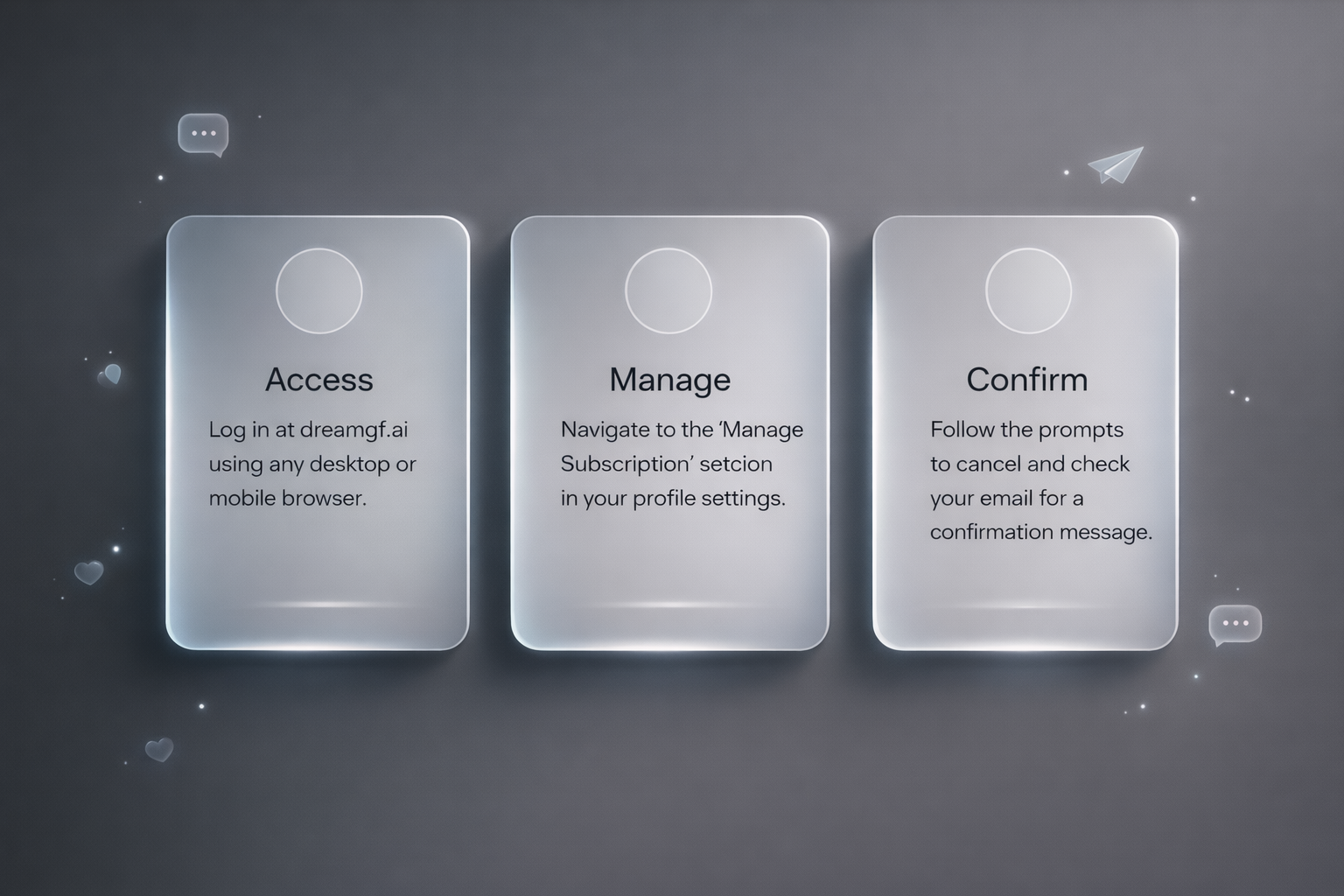
There’s no mystery to it. DreamGF lets you cancel your subscription manually from your account settings. You just have to know where to click – and do it before your next billing date. Here’s how it works in 2026, step by step.
On Desktop or Mobile Browser
You can cancel directly through dreamgf.ai. There’s no mobile app for iOS or Android – everything runs through the browser. Here’s what to do:
- Go to dreamgf.ai: Use any browser. Log in to your account with your email and password.
- Click your profile icon: It’s in the top-right corner of the screen.
- Select “Manage Subscription”: This takes you to your current billing setup.
- Choose your active plan: You’ll see your current plan and token allowance (e.g., the standard plan with 150 tokens per month or your chosen billing cycle).
- Click “Cancel Subscription”: Follow the prompts. You may be asked to confirm your choice or answer a quick survey.
- Check your email for confirmation: You should get a cancellation email right away. If you don’t, check spam.
Once canceled, your plan stays active until the end of the current billing period. You won’t be charged again unless you resubscribe.
Can You Cancel From the DreamGF App?
There is no official mobile app on the App Store or Google Play. Everything – including billing and cancellation – is handled through the browser version at dreamgf.ai.
Don’t fall for fake apps pretending to be DreamGF. If you downloaded something that asks for separate billing info or login, it’s not legit.
Tips to Make Sure It Actually Cancels
- Set a reminder a few days before your renewal date
- Screenshot your cancellation confirmation just in case
- If you don’t get an email, contact: [email protected]
That’s it. No tricks, no hidden buttons – just don’t wait until the last minute, and you’ll be fine.
How to Check If You’re Still Subscribed
Think you canceled but not 100% sure? Don’t wait for your bank statement to confirm it. DreamGF doesn’t always send a cancellation email, and even if it does, it might land in spam or never show up at all. If you didn’t double-check, there’s a real chance the subscription is still active and ticking.
Here’s how to verify it properly: log in at dreamgf.ai, click your profile icon in the top-right corner, then go to “Manage Subscription.” If you’re still subscribed, you’ll see your current plan (Bronze, Silver, Gold, or Diamond) along with the next renewal date. If the section shows no active plan or says “Canceled,” you’re in the clear.
Don’t just assume it worked because you hit “cancel” once. If you didn’t confirm the last step, or if something glitched mid-process, the system might’ve ignored it. Quick login, two clicks – it’s a minute of your time that could save you from another month of charges you didn’t want.
How to Avoid Being Charged After Free Trial Ends
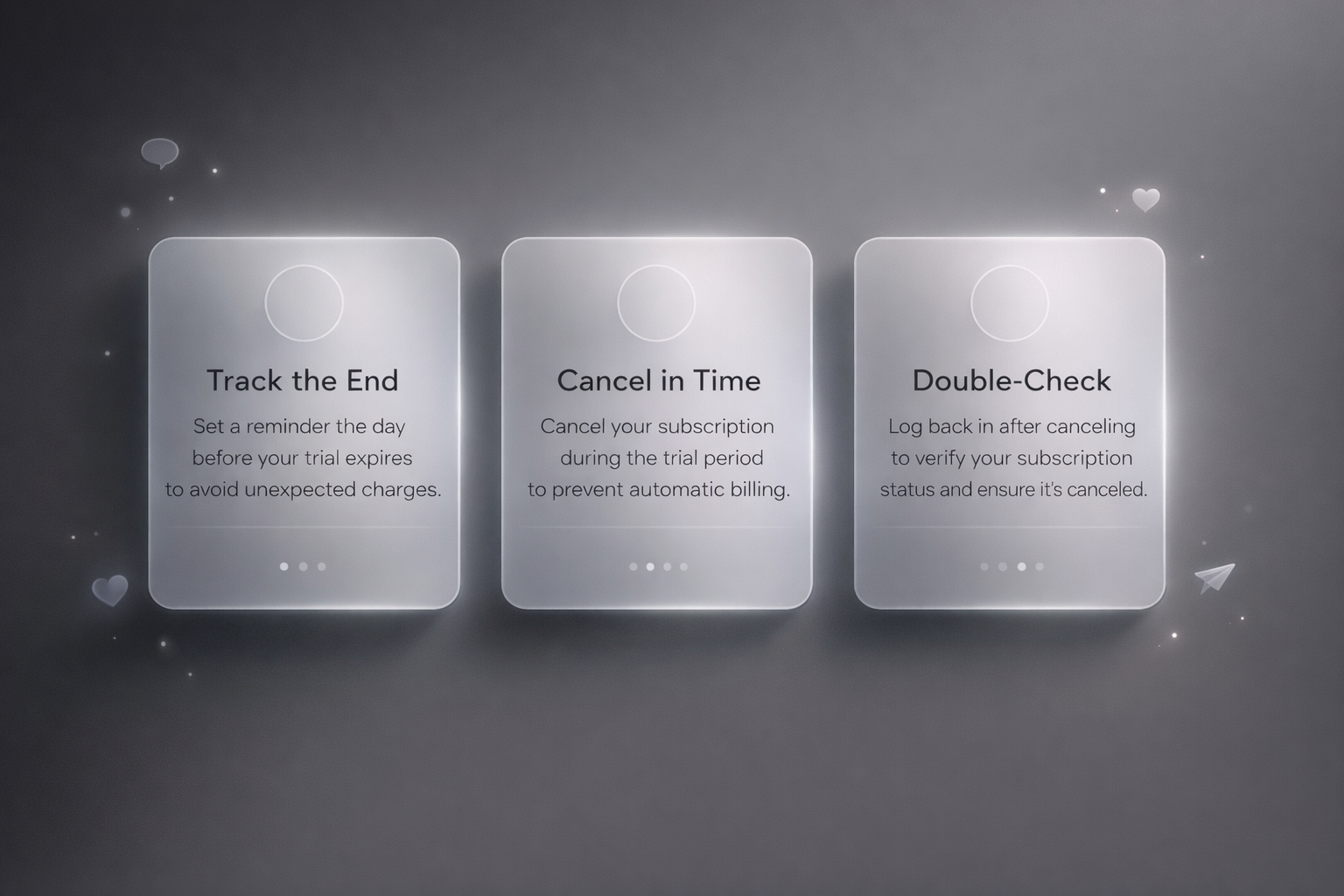
DreamGF gives you a trial, but it’s short – and once it’s over, billing kicks in automatically. If you’re not planning to stick around, here’s how to make sure you don’t get charged when the clock runs out.
1. Know When the Trial Ends
Most users forget this part. The trial window is short (typically just a few days), and there’s no countdown banner or push notification. You won’t get an email warning you that billing is about to start. If you want to avoid charges, you’ll need to track it yourself. Do this instead:
- Set a reminder on your phone or calendar the day you sign up
- Make it one day before the trial ends – not the day of
- Don’t assume you’ll “remember” later – you won’t
2. Cancel Before the Deadline
If you cancel during the trial, your account stays active until the trial expires – you just won’t get charged after. This is the cleanest way to try it out without getting locked into a paid plan. Steps:
- Log into dreamgf.ai
- Click your profile icon
- Go to “Manage Subscription”
- Hit “Cancel”
- Make sure you get a cancellation email
That’s it. No waiting period, no approval queue. Just click and walk away.
3. Don’t Just Close the Tab
Closing the browser doesn’t cancel your subscription. Logging out doesn’t cancel it either. If your payment info is still on file and the trial ends, DreamGF will charge you – no prompt, no warning, no refund.
If you’re unsure whether you’re canceled, log back in and double-check your subscription status. It’s written right there.
4. Remove Your Card (If Possible)
Some users like to remove their card info entirely after canceling. DreamGF doesn’t always let you do this from the frontend, but if it’s an option in your billing settings, go for it. If not, cancellation is your best bet.
5. Watch for Email Confirmations
DreamGF usually sends a confirmation email when you cancel. If you don’t see it, check spam. Still nothing? Contact support: [email protected]
No email = don’t assume it worked.
Simple rule here: don’t wait until the last hour of your trial. Cancel early, double-check, and move on. No reason to lose money over a few extra clicks.
Don’t Count on a Refund from DreamGF
If you’re hoping to get your money back after getting charged by DreamGF, odds aren’t great. Their policy is pretty strict: once you’ve used any part of the service – created a girl, sent a message, viewed a photo, burned a single token – refunds are off the table. It doesn’t matter if you only used one feature once. If the system detects usage, that’s it.
They frame the free trial as your chance to “test everything before paying.” After that, all sales are final. Even long-term plans (3-month, 12-month) are non-refundable if you started using features during the first billing period. You can always email support at [email protected], but unless there’s a billing error or charge without usage, you’re probably not getting anything reversed.
What Actually Happens After You Cancel
Canceling your DreamGF subscription stops future billing but your account doesn’t disappear. Here’s what stays, what doesn’t, and what to know:
- Your account stays active until the end of the billing cycle: You can still chat, use tokens, and access content until your time runs out.
- Your AI companions and message history remain on your profile: Canceling doesn’t delete anything by default.
- Unused tokens don’t disappear: If you re-subscribe later, your saved content and leftover tokens will still be there unless you delete your account.
- After cancellation, billing stops at the end of the current period: Deleting the account is optional and permanently removes your data and creations.
Quick summary: Canceling stops payments, but your profile and content stick around. If you want everything gone, you’ll need to delete it yourself.
Should You Delete Your DreamGF Account Entirely?
Canceling your subscription stops future charges, but it doesn’t erase your data. If you’re fully done with the platform or want a clean slate, deleting your account is the most permanent option. It removes your chat history, AI characters, saved tokens – everything. There’s no way to recover it afterward.
That said, deletion isn’t required. Many users simply cancel and leave the account dormant, which is totally fine. Just know that your data stays stored unless you remove it manually. If you do choose to delete, the option is in your profile settings. After cancellation, billing stops at the end of the current period. Deleting the account is optional and permanently removes your data and creations.
Conclusion
DreamGF doesn’t exactly hide the cancel button, but it also doesn’t walk you through it. If you’re not paying attention, the subscription keeps rolling – tokens used or not. The system won’t send friendly reminders or warnings before renewal. If you’re testing the platform or planning to leave, the only safe move is to cancel ahead of time and make sure it actually went through.
And if you’re done for good, don’t forget to delete your account too. There is no ongoing maintenance charge after cancellation according to the current membership policy. Deleting your account is optional for privacy and to fully remove your data, but not required to stop billing. A few clicks and you’re out. No back-and-forth. No drama.
FAQ
Can I cancel DreamGF from my phone?
Yes, but there’s no app. Everything runs through the browser. Just log in via mobile, open your profile, and follow the same steps as desktop.
What happens if I forget to cancel before the free trial ends?
You get charged. There’s no email reminder, no heads-up, and no refund once the system logs usage. If you’re testing the platform, set a reminder.
Can I pause my subscription instead of canceling?
No. It’s either active or canceled. DreamGF doesn’t offer pause or hold options.
Will I lose my AI girls if I cancel?
No, not unless you delete your account. Canceling stops billing but keeps your data intact in case you come back later.
How do I make sure it actually canceled?
You should get a confirmation email right after. If you didn’t, log back in and check your subscription status manually. No email = no guarantee.