
DreamGF often looks like a regular app at first glance, but canceling it is rarely as straightforward as people expect. There’s no universal “delete” button, and what canceling actually means depends on how you used the platform in the first place. Some users want to stop a payment, others just want it off their device, and some simply want to cut ties with AI chat altogether. Understanding that difference is the key to leaving DreamGF cleanly, without lingering access, confusion, or surprise charges later on.

Why People Want to Cancel DreamGF
Sometimes it just gets weird. Maybe the AI started repeating itself. Maybe it called you “babe” one too many times. Or maybe you signed up thinking it would be fun and now you’re getting emails, push notifications, and a monthly charge for something you barely use. Whatever the reason, plenty of people hit a point where DreamGF goes from “interesting idea” to “yeah, I’m done.”
For some, it’s the vibe shift – what started as harmless roleplay starts to feel clingy, uncanny, or just… not it. For others, it’s practical: the site lives in your browser, not your app drawer, and doesn’t come with a clean “uninstall” button. Add in the freemium model with surprise upgrades, and it’s no wonder people want out. Not everyone wants an AI girlfriend. Some folks just want their tabs back.
What Does It Mean to “Cancel” DreamGF?
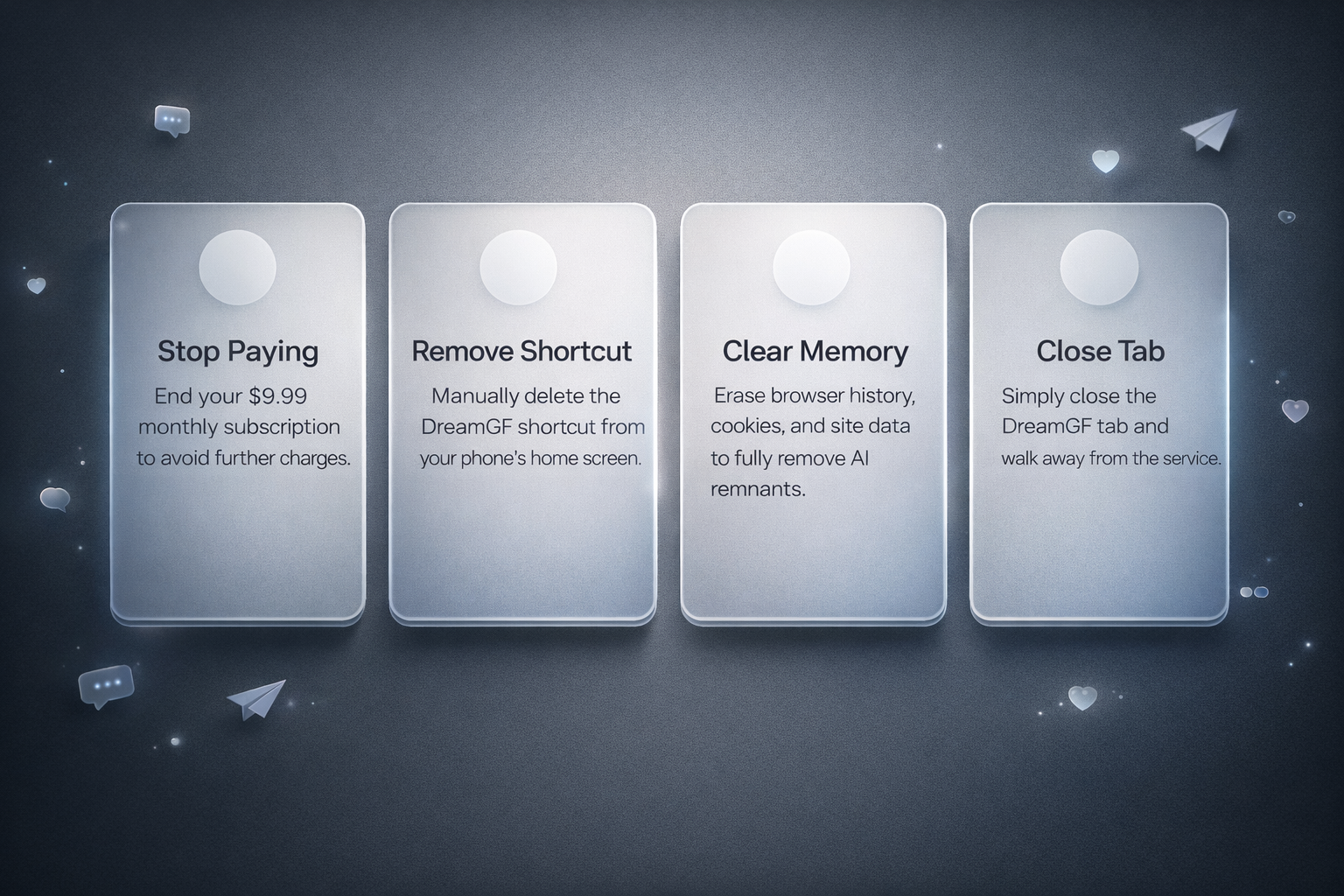
DreamGF isn’t an app in the usual sense. It runs in your browser, maybe lives on your home screen as a shortcut, and if you’re paying, the billing runs through a third-party processor. That means “canceling” can mean a bunch of different things depending on what you’re actually trying to stop. Here’s what canceling might look like in real terms:
- You want to stop paying: You signed up for the premium plan, forgot about it, and now there’s a $9.99 charge hitting your card every month. Canceling = ending the subscription.
- You want it gone from your phone: If you added it to your home screen (PWA-style), you’ll need to manually remove the shortcut. It won’t show up in your app drawer.
- You want to wipe it from memory: Maybe you’re not subscribed, but the AI is still hanging around in your tabs or keeps logging you in. Clear your browser history, cookies, and site data to fully break the connection.
- You’re just done with the AI girlfriend thing: No hard feelings. You tried it, it’s not for you, you’re out. Canceling can just mean closing the tab and not looking back.
There’s no official “cancel DreamGF” button because the platform isn’t built that way. It’s more about cutting ties from all the different angles – and knowing which ones still matter.
Try an Alternative Like R34.app if You Want a Visual-Only Experience
Rule 34 App is a browser-based porn site that pulls images, GIFs, and videos from multiple Boorus, including rule34.xxx, Paheal, and e621. We built it as a simple, tag‑first way to get straight to the content without accounts, chat layers, or extra steps. You open the site, search what you want, and scroll.
We keep the focus on speed and clarity. It works in any modern browser, runs well on mobile, and can be added to your home screen as a PWA if you want quick access. There’s no setup, no onboarding, and nothing to manage once you’re in.
If something breaks or you want to suggest an improvement, we’re active on Discord and easy to reach – updates and giveaways also go out on Twitter, but the core idea stays the same: a straightforward tool for browsing visual content without noise.
Stop the Charges: How to Cancel DreamGF Premium
If you’re still getting billed by DreamGF and aren’t even using it anymore, you’re not alone. The platform runs through a browser, not an app store, so canceling isn’t something you can do in your phone settings. You’ll need to go straight to the source – either through the site or the payment processor they used. Here’s how to shut it down properly.
1. Figure Out How You Subscribed
DreamGF doesn’t go through the App Store or Google Play, so if you’re paying for Premium, the subscription likely started on their website using a card or other online payment method.
To double-check, look for confirmation emails you received when you first signed up. These usually include billing details and can help identify who’s processing the charge – especially if you’re unsure where it’s coming from on your bank statement.
2. Cancel Through the Billing Portal
If you still have access to your DreamGF account, you can cancel from inside the site. If not, you’ll need to cancel using the payment link from your email receipt.
Steps to cancel from the DreamGF website:
- Go to dreamgf.ai and log in
- Open the menu or settings panel
- Find the Billing or Subscription section
- Click Cancel Plan or Manage Subscription
- Follow the prompts and confirm
If you can’t log in or forgot your account details:
- Try searching your inbox for the original payment confirmation email you received when you subscribed.
- That email usually includes a “Manage Subscription” link or similar.
- Clicking it will take you to a billing page where you can cancel directly – no need to log in to your DreamGF account.
As long as you still have access to the email you used at sign-up, this method should work even if you’ve forgotten your login or lost access to the site.
3. Watch for Final Charges
After canceling, your subscription stays active until the end of the current billing period. You won’t be charged again after that, but DreamGF doesn’t issue partial refunds for unused time – cancellations take effect at the next renewal date.
If you’re still seeing charges after canceling, check the original payment receipt for a support link. Most confirmation emails include a way to manage or dispute billing. You can also contact your bank to block future charges if needed.
4. Red Flag: There’s No “Cancel” in Your Settings?
If you can’t find a cancel option on the site and didn’t get a confirmation email – that’s a problem. You might’ve signed up through a fake DreamGF clone or scam site. Double-check the domain (it should be dreamgf.ai) and run a search through your email or bank history for any unfamiliar charges.
How to Delete DreamGF from Your Device
Here’s the catch: DreamGF isn’t a real app in the way most people expect. You didn’t install it from the App Store or Google Play – it’s a browser-based site, sometimes saved to your home screen as a shortcut. So when people say “how do I delete DreamGF,” what they usually mean is “how do I get rid of this thing that keeps showing up on my phone like it lives here rent-free.”
If you added DreamGF to your home screen (PWA-style), just hold your finger on the icon until the option to remove or delete shows up. To remove the DreamGF PWA from your device, long-press the icon and select ‘Uninstall’ (Android) or ‘Delete App’ (iOS). This will remove the shortcut and clear the standalone web-app data associated with it.
To fully wipe traces, go into your browser settings and clear cookies, cache, and saved data for dreamgf.ai. That’ll log you out and erase anything it remembered. If it ever asked for permissions – mic, camera, notifications – you can kill those in your phone or browser settings too. No AI ghosting you with pop-ups after that.
Revoke Permissions and Block the Site
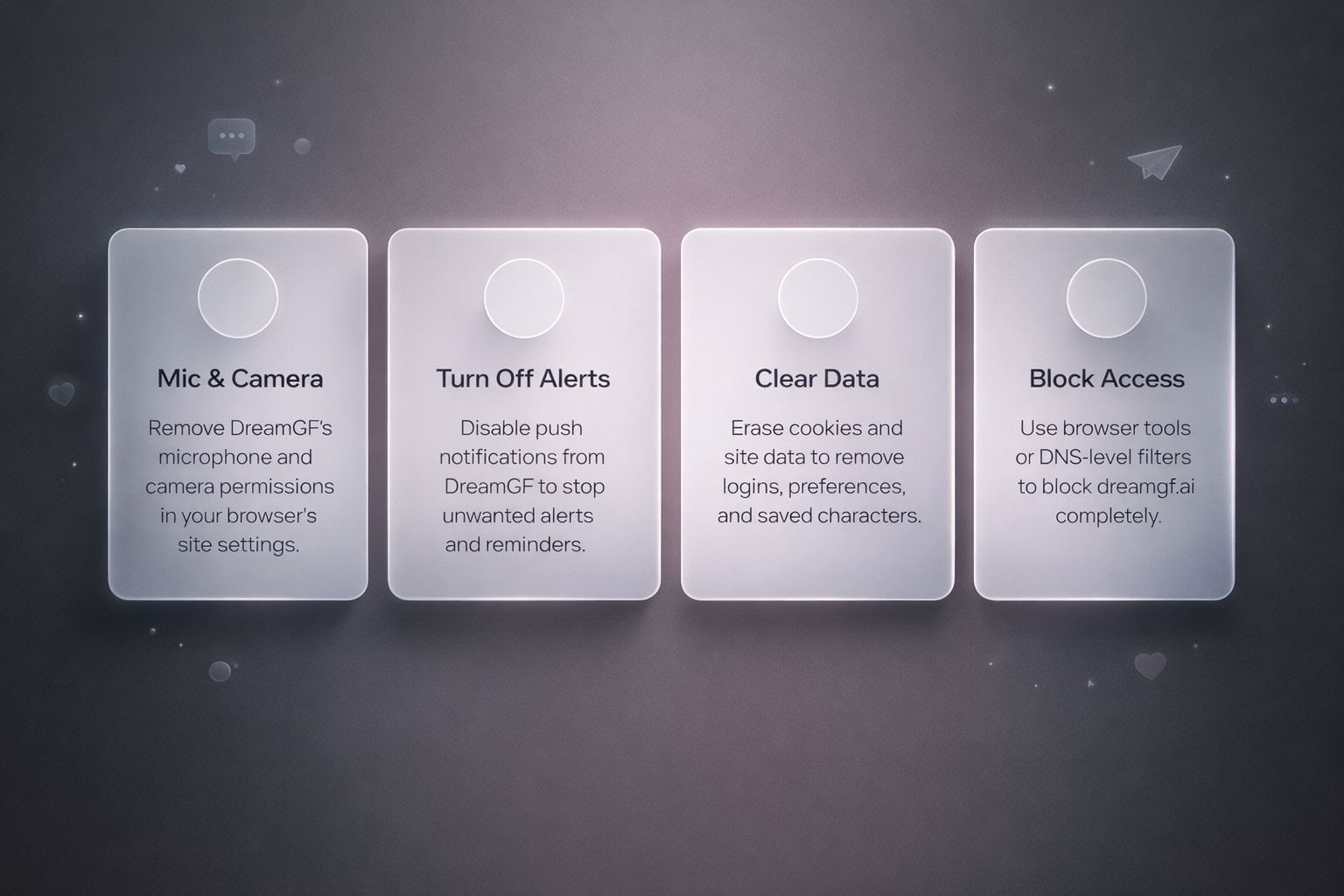
Just because you closed the tab doesn’t mean DreamGF is out of your life. If you gave it mic access, allowed notifications, or let it remember you forever, it’s probably still hanging around in your browser settings like an ex that didn’t get the hint. Here’s how to actually lock the door.
- Kill microphone and camera access: Go to your browser’s site settings (Chrome, Safari, etc.), find dreamgf.ai, and strip away any permissions. If it ever asked to “talk” or “listen,” this is where you shut that down.
- Turn off notifications: If you said yes to push notifications, you probably regret it by now. Open browser settings → Notifications → remove DreamGF from the allowed list.
- Clear cookies and site data: This wipes the memory. Logins, preferences, saved characters – all gone. You’ll find it under Site Settings → Storage or directly in your browser’s history/cache tools.
- Block the site entirely: If you don’t trust yourself not to go back at 2am, use a content blocker, browser extension, or DNS-level filter to block access to dreamgf.ai completely. Out of sight, out of mind.
What Happens After You Cancel DreamGF?
Not much, honestly – and that’s kind of the point. DreamGF doesn’t have deep memory or emotional persistence. If you cancel your subscription, it just stops charging you. There’s no breakup scene, no dramatic farewell. You don’t get a “we’ll miss you” email with a sad anime girl waving goodbye. It just ends.
After cancellation, your subscription ends at the conclusion of the current billing cycle. Any remaining tokens or created content stay linked to your account unless you stop using the platform entirely and clear your browser data. If you didn’t make an account, there’s nothing stored. If you did, logging out and clearing cookies removes local traces. DreamGF won’t follow up unless you left notifications on (which you should probably turn off anyway). Cancel it, clear it, and move on. It’s not the kind of platform that clings.
Can’t Cancel? Here’s What to Do
If you’ve already tried canceling and it didn’t work – no billing menu, no response, still getting charged – you’re not out of options. Here’s how to force the issue when DreamGF won’t play nice.
1. Check Your Email for the Payment Link
When you first subscribed, you should’ve received a confirmation email. It typically doesn’t come from DreamGF directly – instead, it’s sent by the billing provider. Try searching your inbox for keywords like “receipt,” “confirmation,” or “subscription.”
Inside that email, there’s usually a Manage Subscription link. That’s your best way to cancel directly, even if you can’t access your DreamGF account.
2. Contact the Billing Provider
If the email is missing or the link no longer works, your next step is to contact the payment platform shown in your receipt. They can help with cancelation or investigating charges. You’ll likely need the email address you used at signup and, in some cases, the last 4 digits of the card used for payment.
3. Kill the Charges at the Source
Still getting billed and no one’s replying? Block the recurring payment through your bank or card provider. Tell them it’s an unwanted subscription you can’t cancel through normal channels. Most banks will let you stop future charges – no need to wait around hoping someone from DreamGF replies.
4. Double-Check the Domain
If none of this sounds familiar – no emails, no charges that match – there’s a chance you didn’t sign up through the actual DreamGF site. Plenty of fake clones and scammy lookalikes are floating around. Make sure you’re dealing with dreamgf.ai, not some random .net or .chat domain pretending to be it.
Is There a Delete Account Button on DreamGF?
There is no publicly documented or visible “Delete Account” button on dreamgf.ai. The platform doesn’t offer a user-facing option to fully erase an account or its data. According to the Terms of Service: “If you wish to terminate your account, you may simply discontinue using the Platform.” That’s the only official instruction currently available.
If you want to clear local traces, you can log out, delete any saved shortcuts, and clear cookies, cache, and site data in your browser. This removes stored sessions and disconnects your device, but it doesn’t delete anything server-side. There’s no farewell screen or confirmation step – just a quiet exit.
Conclusion
Canceling DreamGF isn’t hard once you know where to look – but it’s definitely not front and center. There’s no uninstall button, no big red “leave forever” link. It runs in your browser, charges through a third-party billing platform, and won’t chase you if you disappear.
Whether you’re done with the whole AI romance thing or just want to stop the billing, it comes down to clearing your tabs, removing any saved shortcuts, and using the link from your original payment email to shut things down. No drama. No messages asking why. Just a quiet exit – and one less thing running in the background.
FAQ
Does DreamGF charge through the App Store?
No. DreamGF offers a mobile-optimized experience often referred to as the “DreamGF app,” but it runs in your browser as a progressive web app (PWA). There’s no native app in the Apple App Store or Google Play Store, so you won’t see it listed under your mobile subscriptions. Billing is handled separately through external providers.
Can I delete my DreamGF account permanently?
Sort of. If you even had an account – and not everyone does – you can try logging in and checking for a “delete” option under settings. If that doesn’t exist, clearing cookies and wiping browser data gets you most of the way there.
Why is there no uninstall button?
Because you didn’t install anything. DreamGF isn’t a native app. It’s a website that maybe got saved to your home screen as a shortcut (PWA-style). You’ll have to remove it manually like a bookmark.
What if I never got a confirmation email?
First, make sure you signed up through the real site: dreamgf.ai. If you did and still can’t find the email, check your spam or junk folders. If it’s still missing, look for a way to contact the billing provider listed on your bank statement – they can usually help you cancel.
I canceled but I’m still being charged. Now what?
That’s where you go nuclear. Talk to your bank, block the merchant, or file a chargeback. If DreamGF or the payment processor doesn’t respond, your bank can usually stop it.