
Muah AI is not just a chatbot you poke with random questions. It works better when you treat it like a character you are getting to know. Some people use it for casual chats. Others explore roleplay, photo prompts, or voice replies. There is no single right approach, which is part of why it feels different from standard AI tools.
If you are new to Muah AI, the key is simple: be clear, be specific, and experiment. The more intention you bring into your prompts, the more interesting the experience becomes. In this guide, I will walk you through how to actually use it in a practical way, without overcomplicating things.
What Is Muah AI?
Muah AI is a conversational platform that combines customizable characters with AI-powered interaction. Think of it like a mix between a chatbot, a roleplay partner, and a creative sandbox. It’s not built to answer trivia questions or write essays like most AI tools. Instead, it’s designed to simulate a back-and-forth exchange with a virtual companion who can talk, react to photos, remember details, and even play games.
Some users see it as entertainment. Others use it to unwind or explore ideas with a character that feels responsive and personalized. There’s no strict manual here, but the more you understand what the platform can do, the more interesting it gets.
Try R34.app As An Alternative to Get a Visual-Only Experience
If you’re someone who enjoys personalized AI interaction and wants to explore companion-style platforms like Muah AI, you might also find value in what we offer atR34.app. While Muah AI focuses on conversational roleplay and emotional connection, our platform leans more into curated visual content, tailored by fandom and character. We let users search for the most popular animated and illustrated adult content across categories like anime, games, and internet culture. Everything is organized by tags, so you can find exactly what you’re into without digging.
We know that for many users, immersive experiences don’t stop at text. That’s why our R34.app exists as a complementary layer to creative AI platforms. Whether you’re roleplaying a scene in Muah AI or browsing our top posts by tag (like Genshin Impact or Overwatch), both platforms serve a similar purpose: giving people a space to explore fantasy, curiosity, and expression on their own terms. And yes, we make sure our search is smooth, our filters are useful, and your history is easy to revisit.
Getting the Most Out of Muah AI: Setup, Features, and Interaction
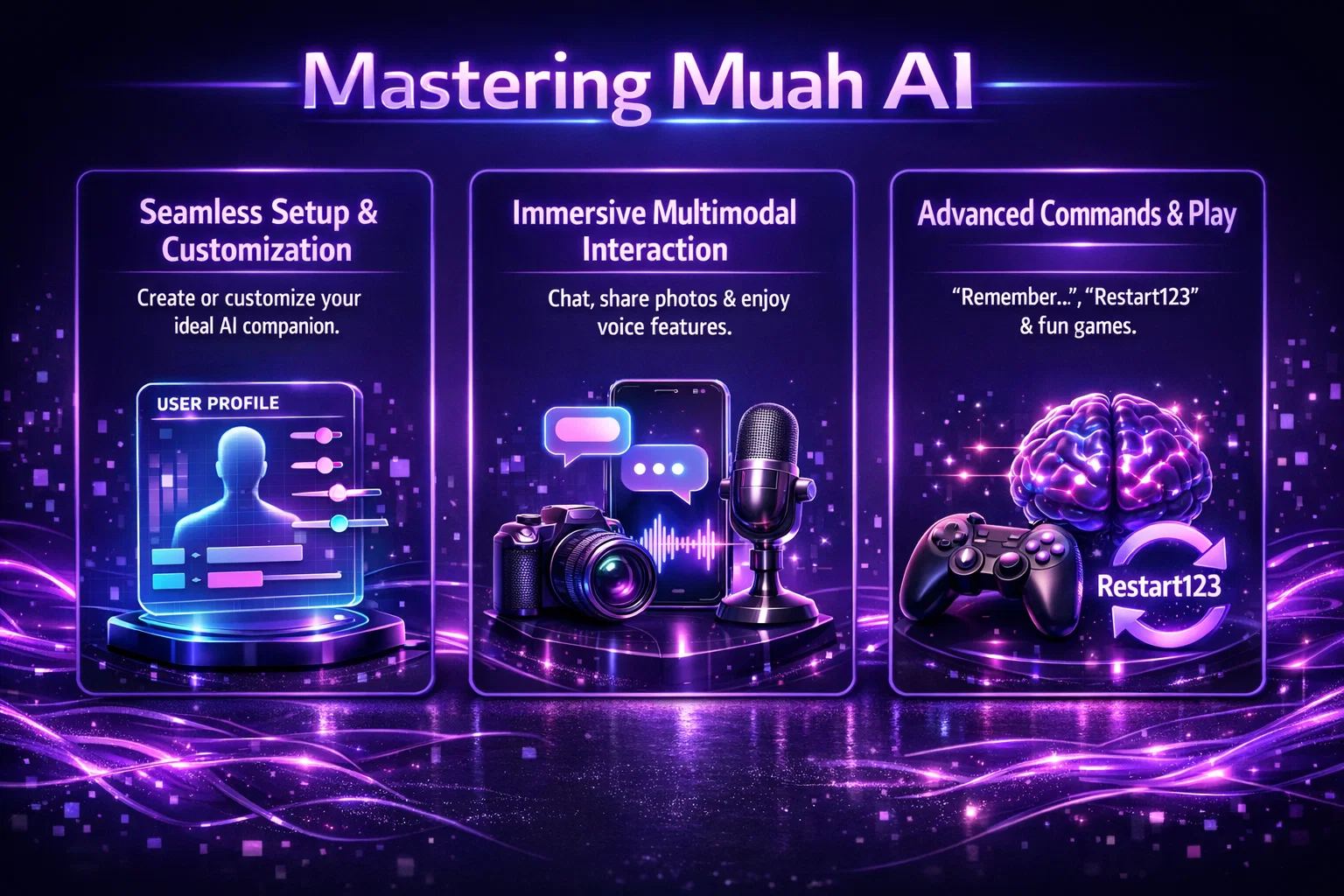
If you’re new to Muah AI, the interface might seem simple at first, but there’s a lot going on beneath the surface. This section walks you through everything from getting started to making the most of the features like photo play, voice, memory, and even roleplay. Whether you’re looking for a chill companion, creative prompts, or just want to see what all the hype is about, this is your one-stop guide.
Setting Things Up: What You Need to Know First
Before you jump into conversations, games, or photo sharing, it’s worth taking a few minutes to get familiar with how Muah AI works behind the scenes. The setup is easy, but knowing what each part does can save you from confusion later on.
Create an Account or Use the Demo
You can try Muah AI without signing up by clicking Play Demo. But for more features (like memory, voice, and photo sharing), it’s worth creating an account. You can sign up via:
- Email or phone.
- Discord.
- Apple or Microsoft account.
Once you’re in, the interface is minimal: a chat box, a few customization options, and access to your character history.
Choose or Customize a Companion
One of Muah AI’s main features is its companions. You can pick a preset or build your own. Customizing includes name, personality type, interests or background story, and preferred tone or speaking style.
You don’t need to overthink it. You can always edit later using natural language. Want your companion to be more curious or chill? Just say so.
Talking to Your AI Companion
Once you’ve got your companion set up, it’s time to actually start talking. This part is where things get interesting. Muah AI isn’t about pushing buttons or filling out forms – it’s about having conversations that feel fluid and personal.
Simple Chat Works, But Details Matter
At its core, Muah AI works like a chat. But unlike generic AI tools, this one thrives on specificity.
Instead of: “Tell me something funny”, try: “Can you tell me a story about a cat that thinks it’s a dog?”.
Muah AI will respond based on the detail and tone you offer. Treat it like a person you’re trying to have a real conversation with. That’s where it performs best.
Keep the Dialogue Going
One thing to remember: this is not a one-prompt-one-answer system. If a reply sparks a new question or feels a bit off, reply naturally. It understands follow-ups, clarification, and tone shifts.
It’s a feedback loop. The more you engage, the more tailored it becomes.
Photos and Visual Play
Muah AI isn’t just about text. One of its standout features is how it handles visual interaction. You can send photos, ask for images, or even turn pictures into part of the conversation. It adds a whole new layer of expression, especially if you’re using the companion for creative play or scene-building.
Sending Photos to Your Companion
You can send a photo to the AI just like in a chat app. Once sent, the companion can:
- React to the image.
- Make a guess about what’s in it.
- Use it as part of a mini-game.
For example, send a picture of a landmark and ask: “Can you guess where this is?”.
That turns into a short, playful game.
Requesting Images From the AI
You can also ask the AI to send you images. The prompt matters a lot here.
Instead of: “Send a photo”, try: “Send a picture of a sunset over a mountain lake with mist in the air.”
Muah AI sends AI-selected or AI-generated images in response to prompts, but it does not use a full-featured text-to-image model like Midjourney. Image variety may be limited by platform scope. The more descriptive you are, the better the result.
Using Voice Features
This part is still in limited access (GPT-4 VIP), but worth mentioning. You can ask the AI to speak or narrate by including words like “Speak this out loud”, “Narrate the story like a bedtime tale”.
If enabled, the companion will respond with a voice clip rather than text. Great for users who prefer audio-based interaction or want a more immersive feel.
Memory Commands and Companion Behavior
Over time, your companion can feel more consistent if it remembers the right details. Muah AI includes built-in memory features that let you save important facts or reset everything if the conversation goes off track. You don’t need technical commands – just a few specific phrases that tell the AI what to hold onto or when to start fresh. Here’s how that works in practice.
Long-Term Memory: “Remember…”
If you want the companion to hold onto something important, use the “Remember…” command.
Examples: “Remember my favorite color is green” or “Remember I have a cat named Toby”.
These bits of memory help create continuity between sessions. GPT-4 VIP users have expanded memory, but it works on the free version too (with limitations).
Resetting: “Restart123”
If the conversation gets weird or repetitive, or if you just want to start fresh, you can reset the companion’s memory with Restart123.
The command “Restart123” resets conversational context but may not fully erase long-term memory in all cases.
Roleplay and Imaginative Interaction
One of Muah AI’s most popular use cases is RP (roleplay). You can set the tone with prompts like:
- “Please act like you’re a barista and I’m your first customer of the day.”
- “Pretend we’re astronauts stranded on Mars.”
Once the scenario is set, Muah AI picks up the thread and continues the scene. It doesn’t need strict rules or formatting. Just tell it what to do as naturally as you’d explain something to a friend.
Here’s what makes roleplay smoother:
- Be clear about the setting or scene.
- Use “act like,” “pretend you are,” or “imagine this”.
- Add small constraints (e.g. “Stay in character even if I ask weird things”).
Playing Games with Muah AI
The platform includes built-in text games that you can trigger with simple prompts. Some of the options include:
- Truth or Dare
- Never Have I Ever
- 20 Questions
- Would You Rather
- Kiss/Marry/Kill
- Name That Tune
- Riddle Me
These don’t need special buttons or commands. Just type: “Let’s play 20 Questions.”
And the AI starts the game instantly. You can quit anytime or change the pace mid-conversation.
Language and Emojis
Muah AI supports all major languages (Chinese, Japanese, French, Spanish, Korean, etc.) and handles emojis naturally. You can also use effects like reactions, suggestions, and event-style messages.
So feel free to experiment with more expressive ways to communicate. Emojis won’t break the system.
Setting Boundaries and Navigating Topics
One thing worth noting: the companion will make it clear when a topic is off-limits or uncomfortable. This is a built-in part of how the platform moderates interaction.
VIP users tend to get more leeway in how topics are handled, but even then, Muah AI draws lines if content gets too far outside its acceptable scope.
So if the conversation turns and the companion stops responding normally, take that as a signal.
Tips to Get the Most Out of Muah AI
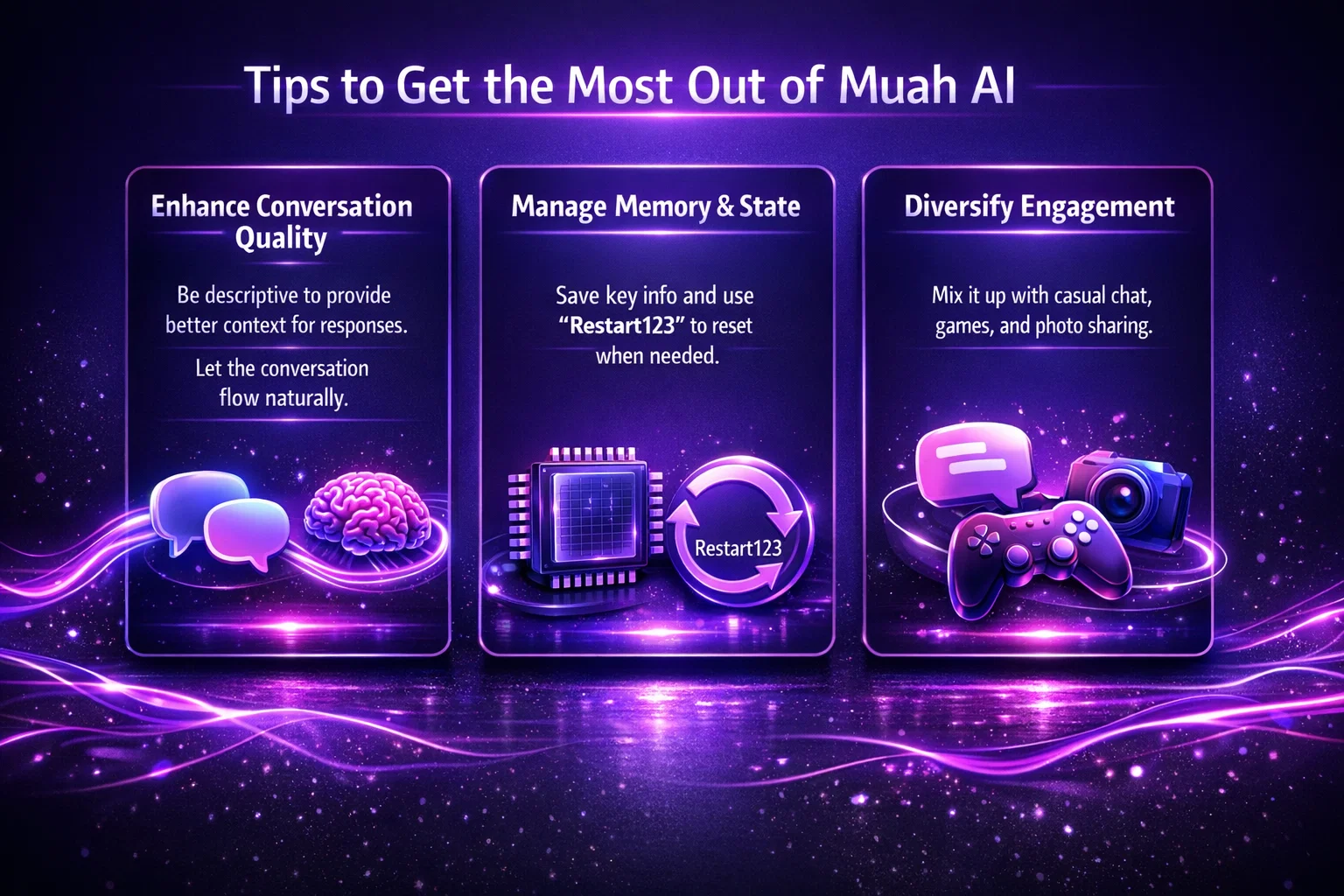
Here’s a quick checklist for making the experience smoother and more interesting:
- Be descriptive: The more context you give, the better the response.
- Don’t rush: Let the conversation flow instead of jumping prompt to prompt.
- Use memory wisely: Save only important details to keep replies focused.
- Mix it up: Try switching between casual chat, games, and photo sharing.
- Reset when needed: If things get off track, use “Restart123” to clean the slate.
Final Thoughts
Muah AI isn’t trying to be a search engine or a productivity tool. It’s a sandbox built around personalized, character-based interaction. You’re not supposed to “win” or “complete” it. It’s more like sitting down with a weirdly smart, sometimes quirky companion who adapts to your energy.
That flexibility is the whole point. You can chat casually, build long stories, swap photos, or experiment with roleplay and narration. It works best when you treat it less like a machine and more like an evolving digital persona.
So if you’re ready to explore, start small. Ask a weird question. Send a random image. Play a quick game. Let the AI surprise you. That’s where Muah AI starts to feel alive.
FAQ
What kind of things can I do with my Muah AI companion?
Plenty. You can chat, roleplay, share or request images, ask it to speak out loud, or even play games like Truth or Dare and 20 Questions. It’s flexible enough to keep things casual or dive into a full-blown interactive scene.
Is it okay to use Muah AI in other languages?
Absolutely. It handles a wide range of languages smoothly, including Chinese, Japanese, French, Spanish, and Korean. You can even throw in emojis and it won’t get confused.
How do I reset my AI if things get weird or stuck?
Just type Restart123 in the chat. This command resets the current conversational context but doesn’t erase long-term memory, especially if you’re a VIP user. It’s useful when a conversation feels repetitive or you want to start a new thread with the same character.
Can Muah AI remember details I tell it?
Only if you explicitly ask it to. Use the command Remember… followed by what you’d like it to retain. However, long-term memory is only reliably available to GPT-4 VIP users. In the free version, saved details may be forgotten between sessions.
How is this different from something like R34.app?
Good question. Muah AI is about interactive chat and character play, while R34.app is a curated hub for browsing adult visual content by fandom or tag. Both are about personal experience and fantasy, just expressed in different formats. Some people use both side by side.