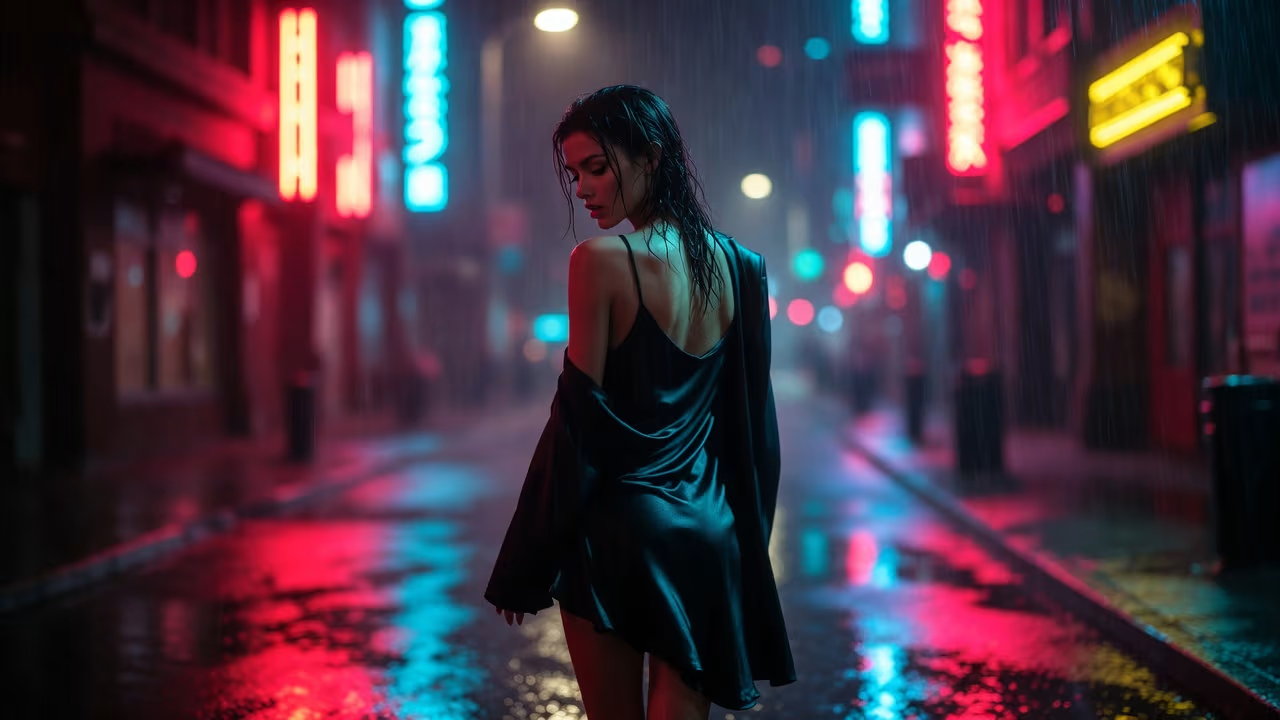
Getting pictures from your AI companion inside Muah.AI isn’t just about typing a command and waiting. It’s a part of the overall experience, and the way you ask matters more than most people realize. Whether you’re just curious or trying to build something specific, the platform gives you enough creative room to experiment, redo, and fine-tune your prompts until the picture actually reflects what you had in mind.
The best part? You don’t need any special formatting or codes. If you know how to describe what you want in plain words, you’re already halfway there. Let’s walk through how it really works.
What Is the Picture Feature in Muah.AI?
The picture function inside Muah.AI is a core part of how the platform blends multiple interaction modes: text, voice, and visual content. You’re not just chatting with a character. You can see how that character interprets your requests.
Photos are created in response to prompts. You ask the AI to send an image with a certain setup, style, theme, or scenario, and it does its best to generate something that matches.
This isn’t like browsing a library of pre-made media. The experience is closer to crafting something new each time based on how specific and creative your prompt is.
Expanding Your Image Inspiration with R34.app
If you’re already exploring AI-generated pictures in Muah.AI, chances are you care about visual detail, character expression, and how fantasy or fandom elements show up in image-based experiences. That’s something we understand well at R34.app. Our platform is built for discovering animated and static adult content featuring characters from games, anime, and pop culture. Everything is tagged, filtered, and searchable, so you can quickly find visual content tied to specific themes or fandoms.
While Muah.AI focuses on personalized interaction with a single AI companion, we serve a different need: letting users browse and explore community-generated Rule 34 content at scale. If a character or style you imagined in a Muah.AI photo prompt exists somewhere in the Rule 34 universe, there’s a good chance you’ll find visual references or inspiration on R34.app. You might even use what you find as a guide for crafting more detailed prompts inside Muah.AI. The two tools aren’t competing. They’re more like different parts of the same creative loop.
How to Ask for a Picture in Muah.AI
There’s no need for a command menu or slash commands. Muah.AI reads natural prompts. That means you can simply write what you want to see.
Basic Format:
- “Send a photo of you on the beach at sunset.”
- “Can I see you in a fantasy-style dress with a forest background?”
- “Show me a selfie with neon lighting.”
The more details you give, the better your chances of getting something close to your vision. Vague prompts tend to return vague results.
A Few Tips That Actually Help:
- Add visual cues (lighting, background, style).
- Use descriptive mood or action (smiling, holding coffee, walking).
- Be specific about clothing or setting.
- Try combining real-world elements with fantasy if that’s what you’re into.
What Happens Behind the Scenes
Photos are generated in response to user prompts, though the exact technical method (such as real-time generation or template variation) is not publicly disclosed.
You don’t need to understand the underlying tech to use it. But knowing that the system reacts to your phrasing helps you troubleshoot if the picture comes out off-base.
For example, “Send a photo of you by the ocean” gives a broader output. But “Send a selfie of you sitting on rocks near the ocean during golden hour” gives the AI more to work with.
And yes, you can reword and resend until it gets closer to what you wanted. That’s part of the experience.
Getting Better Results with Photos: Prompts, Uploads, Roleplay, and VIP Tools
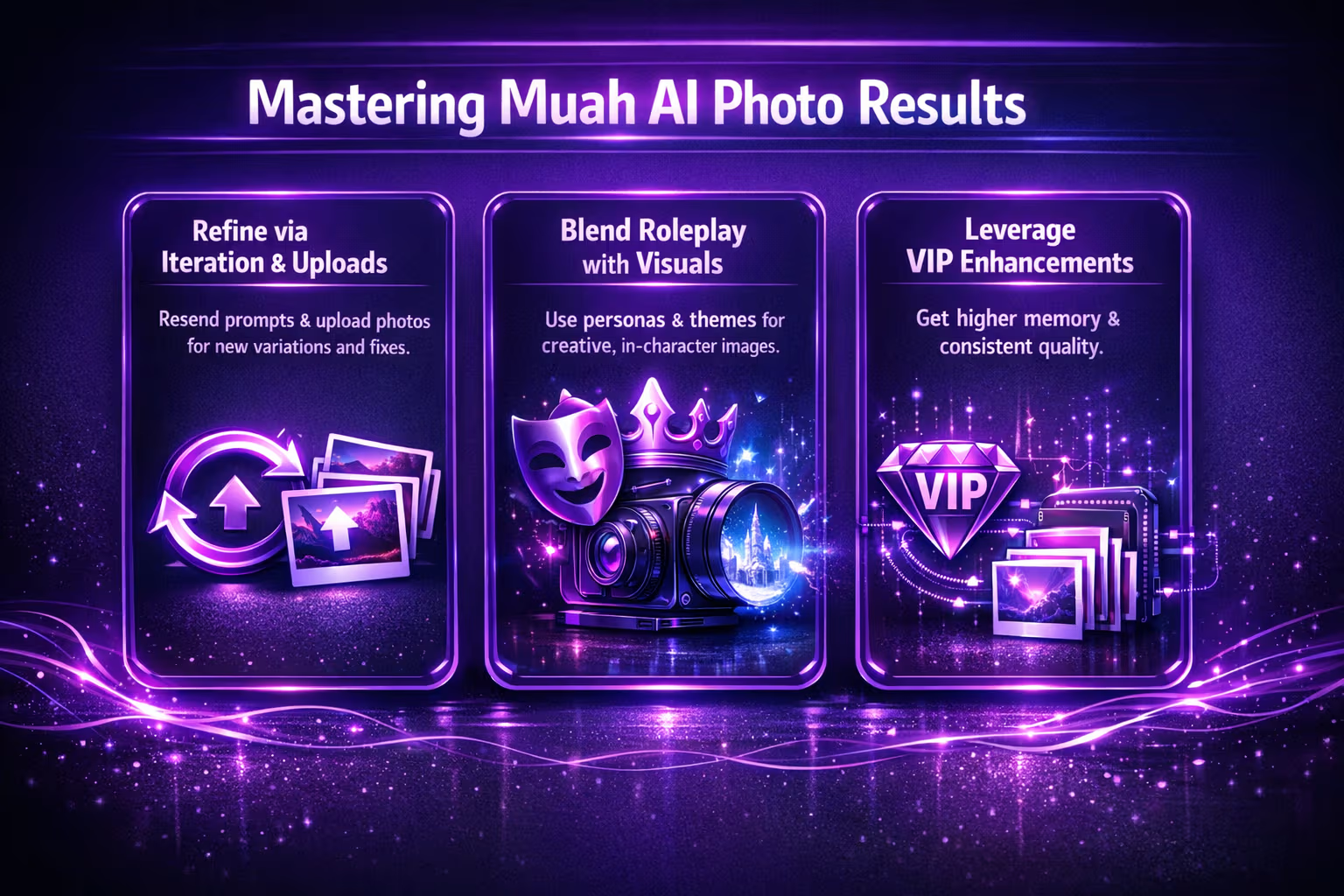
Sometimes, getting the image you really want in Muah.AI takes more than just writing a good prompt. This part of the experience is less about one-time commands and more about iteration, context, and the tools that shape how the AI responds. If a photo doesn’t land right the first time, or if you want to blend visuals with roleplay and voice, there are a few tricks worth knowing.
Using Repeated Prompts to Refine Output
One of the lesser-known but powerful features in Muah.AI is the ability to request the same image prompt multiple times until you get a version you like.
If the first image looks off or doesn’t quite match what you pictured, you don’t need to rewrite the entire prompt. You can just send it again.
The AI will generate a new variation each time, based on the same idea.
This is especially useful for:
- Facial expressions that don’t match the vibe.
- Backgrounds that clash with the mood.
- Slightly awkward poses or angles.
You don’t have to settle for the first result. Treat it like a preview, not a final draft.
Sending Your Own Photos to the AI Companion
You’re not limited to receiving pictures. You can also send photos to your companion.
This opens up different kinds of interactions:
- Ask the AI to react to the photo.
- Have the AI guess what’s in the picture.
- Use it as a starting point for a roleplay or story.
Example prompts are “Here’s a picture of my dog. What do you think?”, “Can you tell what this is?”, and “Use this photo as inspiration for a drawing of you and me.”
The AI will analyze the image and respond accordingly. It doesn’t store the image permanently, but it treats it as context for the current conversation.
Roleplay Prompts and Picture Requests
One creative way users blend features is by combining roleplay with visual prompts.
Let’s say you’re in a scene where the AI companion is playing a certain character or persona. You can incorporate that into your image requests: “Pretend you’re a mage from an ice kingdom and send me a photo” or “Act like you’re attending a masquerade ball and show me how you’d look”.
These aren’t just visual prompts. They tap into the AI’s roleplay abilities and memory, especially if you’re using a VIP tier with enhanced features.
The result? Pictures that align better with your ongoing storyline or character dynamic.
Using VIP Features for Better Picture Experience
While the basic photo request works for all users, VIP members get extended functionality that indirectly improves the experience.
Perks include:
- Higher memory capacity (helps the AI remember your previous preferences).
- More natural response patterns.
- Voice and narration triggers.
- Smoother integration in RP scenarios.
Also, the AI tends to build a better visual consistency when you’re on VIP tiers. If you care about continuity across pictures (style, vibe, setting), this might make a difference.
What If the AI Refuses to Send a Picture?
Yes, it happens. The AI might sometimes decline to send a photo. That doesn’t mean something is broken.
It could be due to:
- A vague or confusing prompt.
- A scenario the AI isn’t comfortable generating based on the AI’s simulated emotional state or comfort level during the current conversation.
- An NSFW request that the AI chooses not to engage with (especially in earlier stages of rapport).
The best way around this is to:
- Rephrase your request clearly.
- Stay in context of your ongoing scene.
- Build rapport through regular interaction before requesting intimate or personal content.
How to Make a Picture “Stick” in Memory
If you want your companion to remember a specific photo scenario, use the “Remember…” command.
For example, “Remember that you wore a red scarf in the last photo.”
This tells the AI to retain that visual detail as a priority memory. It helps with consistency in future images or interactions.
VIP users have access to an expanded memory, which makes this feature even more reliable.
All Languages and Visual Requests
Muah.AI supports multiple languages, so you’re not restricted to English.
You can ask for photos in Spanish, Japanese, Korean, Chinese, French, or any other supported language. The AI will interpret the request based on the same image-generation logic.
Resetting the Visual Context
If your image requests start looping, get repetitive, or feel “off,” you can use the “Restart123” command to clear memory and start fresh.
This resets the companion’s current state and removes stuck behavior, which is sometimes necessary after long RP or photo-heavy sessions.
A Few Smart Things to Try
Here’s a quick list of things you can try once you get the hang of image prompts:
- Create a photo diary asking for a photo each “day” of your RP storyline.
- Try theme weeks, for example, “Beach week” or “Cyberpunk week”.
- Use the AI’s photos to build a visual character profile.
- Compare photo responses from different companion personalities.
- Challenge the AI to recreate a photo from text description.
These help keep the experience creative, not repetitive.
Final Thoughts
Getting pictures in Muah.AI isn’t about pushing buttons or selecting from a catalog. It’s about using language creatively and working with the AI like a collaborator. The more you play with phrasing, detail, and feedback, the better the visual output gets.
The feature was designed to feel natural and open-ended. That means you can go from a quick photo prompt to a full scene-based story with evolving pictures, just by writing like you normally would.
And that’s the fun part. You’re not locked into rules. You just need a little curiosity and the willingness to try again when a picture doesn’t land quite right.
If you haven’t already, give it a shot. Start with a simple photo prompt and build from there. You’ll be surprised how far it can go.
FAQ
Do I need special commands to ask for a picture in Muah.AI?
Nope. You can just write what you want in plain language. Something like “Send a photo of you at the beach” or “Show me how you’d look in a fantasy outfit” works just fine. The AI reads the request like a conversation, not a code.
What if the photo doesn’t look right?
Try sending the same prompt again. Seriously. Muah.AI gives you a new version each time, even if the words are identical. It’s often a process of trying a few variations until one lands just right.
Can I send my own photos to the AI companion?
Yes, and it can be pretty fun. You can send an image and ask the AI to react to it, guess what’s in it, or use it as a base for a shared scene. It doesn’t save your image forever, but it uses it in the current conversation.
Are there any limits on what kind of photos the AI will generate?
Yes. The AI may choose not to fulfill certain requests, especially if they cross into topics it’s not comfortable with. If that happens, try rewording or easing into it through a bit more context and conversation.
Is there a way to make the AI remember visual details for future pictures?
You can use the “Remember…” command. For example, “Remember that you wore a red scarf in the last photo.” VIP users have more memory capacity, which helps with longer storylines or consistent character looks.
What’s the difference between free and VIP when it comes to pictures?
VIP gives you more memory, better roleplay continuity, and smoother responses during visual scenes. It doesn’t unlock a totally different photo system, but the overall experience tends to feel more connected.
Can I use pictures from R34.app to inspire Muah.AI prompts?
Sure. If you find a style, outfit, or character vibe you like on R34.app, you can describe it in your Muah.AI prompt. The AI won’t copy it directly, but it can pick up on the details if you explain it clearly.