
If you are done with Candy AI and want your account gone for good, the process is fairly straightforward. Still, it helps to know exactly where to click and what deleting your account actually means before you do it.
This guide walks you through the basics in plain language. No scare tactics, no legal fog. Just what to expect, how to delete your account properly, and a few things worth double-checking so there are no surprises later.
Why Delete a Candy AI Account in the First Place?
People delete their Candy AI accounts for all sorts of reasons, and most of them are pretty straightforward. Maybe the novelty wore off. Maybe it just didn’t feel like the right fit anymore. Or maybe you’re someone who tried it out of curiosity and realized the experience wasn’t quite what you expected. That’s normal.
For some, it’s a privacy thing. While Candy AI makes it clear that the conversations are fictional and AI-generated, the idea of your chat input being used to train models or stored for moderation purposes doesn’t sit well with everyone. There’s also the extra layer of subscription and token systems, which can feel a bit complicated or unnecessary once the initial interest fades. And if you’re not actively using the premium features, it starts to feel like one more account sitting out there, tied to a billing method you’d rather unlink.
Whatever the reason, deciding to delete your account doesn’t need to be dramatic. It can just be a quiet reset, especially if you’re trimming down on subscriptions or taking a break from platforms that rely heavily on algorithmic interaction. No guilt, no big speech required. Just clarity and a few clicks to move on.
What Happens When You Delete Your Candy AI Account?
Deleting your account on Candy AI isn’t just logging out or uninstalling the app. It’s permanent. Here’s what actually happens when you go through with deletion:
- Your profile, chat history, character preferences, and settings are erased.
- Your remaining subscription period continues until it ends, but you won’t be charged again.
- You won’t be able to recover your account later.
- Some of your data may still be stored for legal reasons (this is standard practice, mentioned in their Privacy Notice).
So in short: deletion means deletion, except for a few things they’re legally required to keep.
Looking for an Alternative Space?
If you’re stepping away from Candy AI and still want a space to explore visual and character-based content, that’s where we come in. At R34.app, we offer a curated way to find hentai artwork, GIFs, and videos featuring characters from your favorite games, fandoms, and anime. Whether you’re into Genshin Impact, Overwatch, or something more niche, we make it easy to search, browse, and stay anonymous.
We’re not an AI chat platform like Candy, but if you enjoyed the visual side of that experience or liked building character-driven scenarios, you might feel right at home. Everything is built around search tags, community-voted posts, and straightforward filters. No fluff, no guesswork. And if you’re coming from a place where access is restricted, we also offer alternative links so you can get in without interruptions. Deleting an account from one platform doesn’t mean cutting off curiosity entirely. We’re here if you’re looking for the next place to land.
How to Delete Your Candy AI Account or Just Cancel the Subscription
If you’re ready to part ways with Candy AI, whether permanently or just to take a break, you’ve got a couple of options. You can either cancel your subscription and keep your account in case you want to come back later, or you can go all in and delete everything. Here’s how both options work and what to expect.
Who Can Delete an Account?
Only registered users with login access can delete their own accounts. That means:
- You need to be able to log in to the Candy AI platform (either via email or another login method).
- You need to have access to the “My Profile” and “Settings” areas.
If you’ve lost access to your login or email, account deletion might require contacting support instead. More on that later.
Step-by-Step: How to Delete Your Candy AI Account
Here’s how to remove your account from the platform directly through the website:
- Log into your Candy AI account: Use the email and password you originally signed up with. If you use social login, make sure to use that method again.
- Go to “My Profile”: You’ll find this in the top menu after logging in.
- Open “Settings”: Scroll through the options until you find the account settings area.
- Scroll to the “Danger Zone”: Yes, that’s what it’s called. This section is where you’ll find critical account actions like deletion.
- Click “Delete Account”: You’ll see a button labeled exactly that. Click it.
- Confirm your Choice: Candy AI will likely prompt you to confirm before deleting. Follow the instructions carefully.
That’s it. After that, your account enters the deletion process and becomes unavailable.
Can You Cancel a Subscription Instead of Deleting?
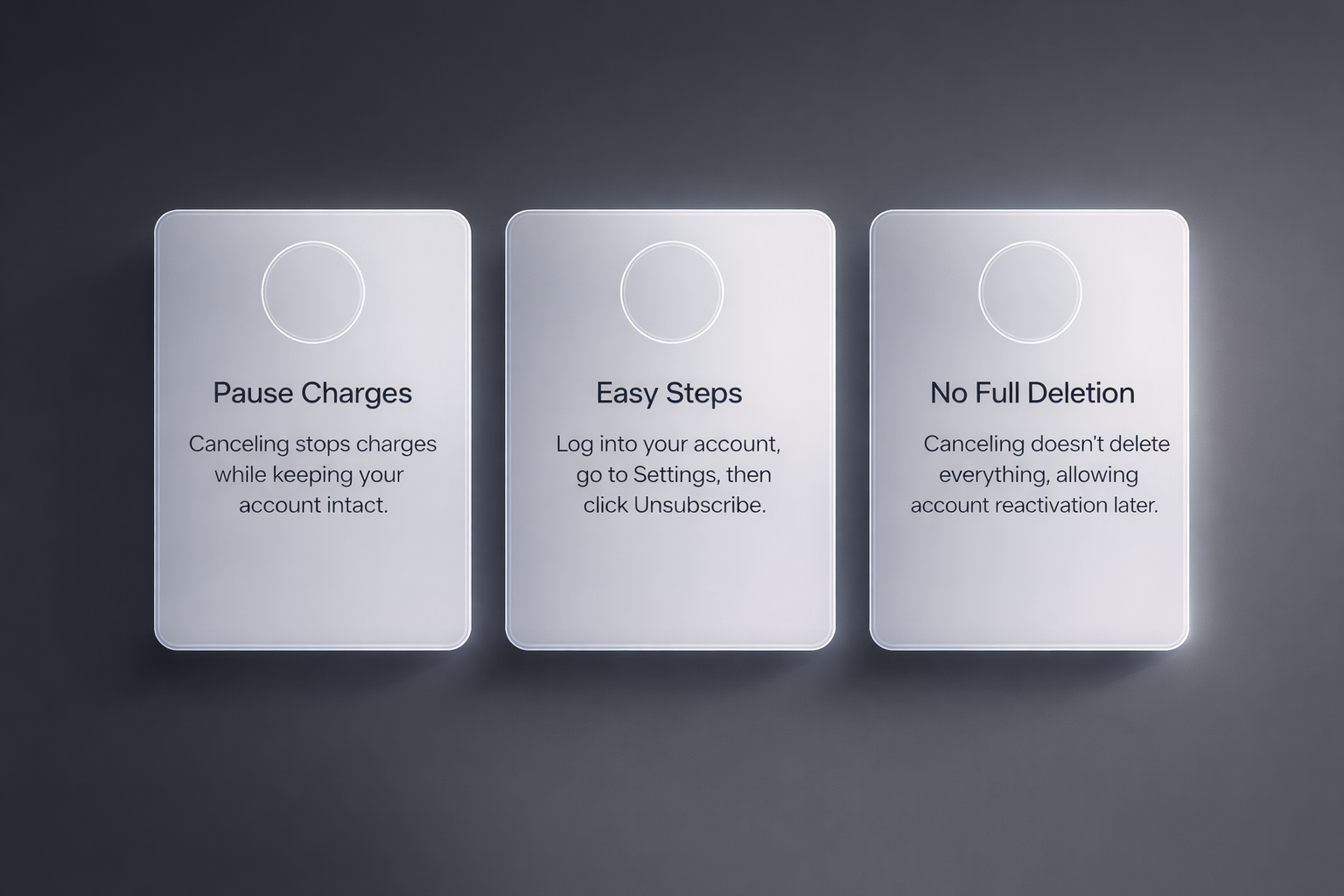
Yes. If you’re just looking to stop charges but aren’t ready to delete everything, you can cancel your subscription separately.
To cancel a subscription:
- Log into your account.
- Go to Settings.
- Click on “Unsubscribe” or manage it via your original payment method (card, Pay by Bank, etc.).
Cancelling stops future billing but keeps your account active with the free tier. That way, if you want to come back later, you can.
What About Your Tokens and Refunds?
Candy AI uses a token system on top of its Premium subscription. If you delete your account, your unused tokens will be lost. They don’t roll over or transfer to new accounts.
No refunds are issued for unused tokens if you go through with deletion. If you used more than 20 tokens, you’re also not eligible for a subscription refund, even if it’s within 24 hours.
So if you’ve got tokens left and want to get your money’s worth, use them before deleting.
What If You Can’t Log In?
If you’re locked out of your Candy AI account but still want to delete it, the standard delete button won’t help. In that case:
- Go to Candy AI Help Center.
- Use the “Contact Us” option or email: [email protected].
- Provide identifying details (email used to register, username, etc.) and request account deletion.
They may ask for verification, especially if your account had premium access or tokens attached.
What About Data Retention?
While Candy AI deletes most user data when you remove your account, they do say this: “We are, however, required to retain some data for legally mandated periods.”
So what kind of data might they keep?
- Payment records (standard practice for tax and legal purposes).
- Moderation logs if your account had flagged content.
- Email or metadata required for fraud prevention.
This isn’t unique to Candy AI. Most digital platforms do this, and it’s usually required by law.
Important Things to Double-Check Before Deleting
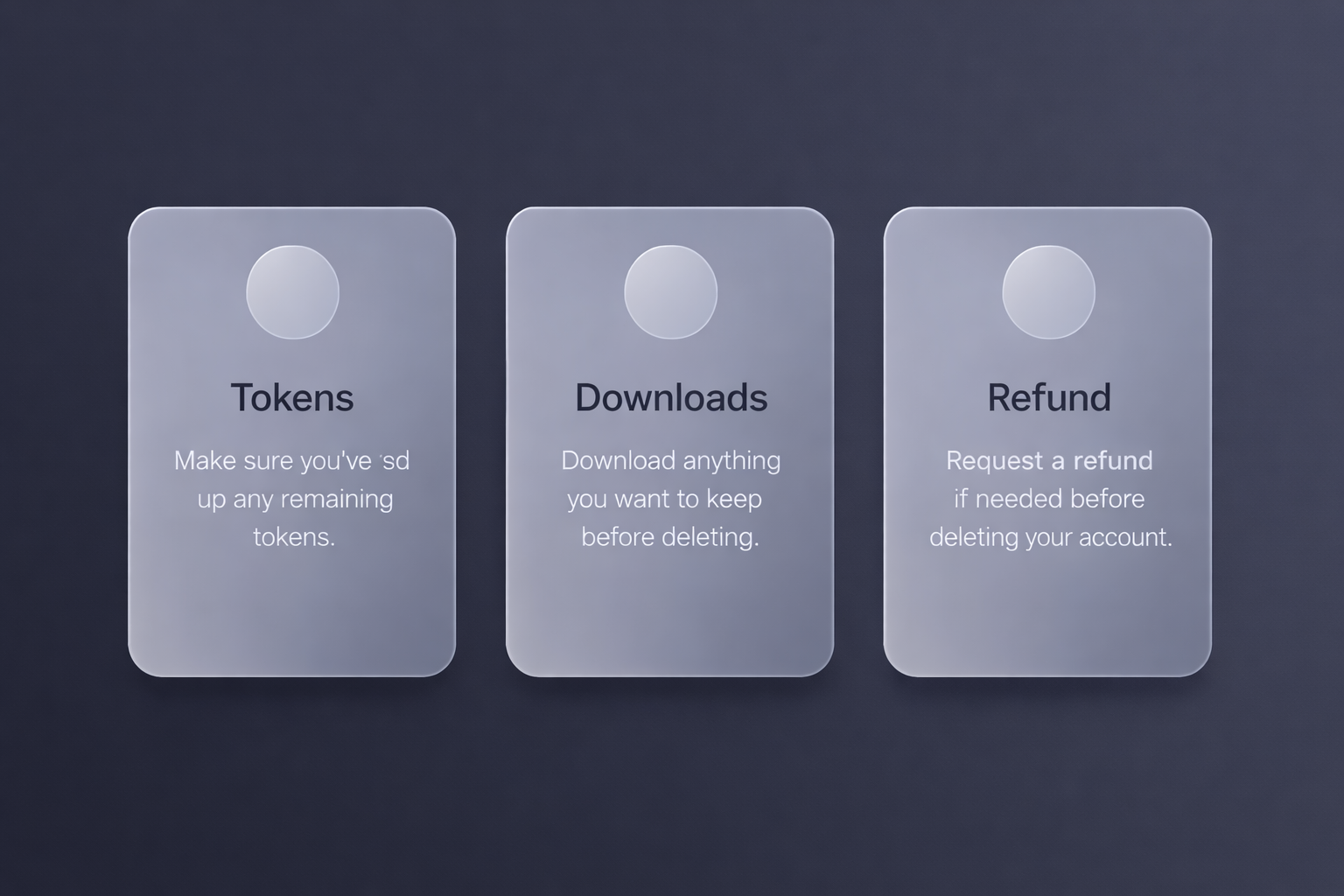
Before you delete your Candy AI account, it’s worth pausing for a moment and making sure you’ve covered these:
- Used up your tokens? If not, spend them.
- Downloaded anything you want to keep? You won’t be able to after.
- Canceled your subscription? This happens automatically after deletion, but double-check.
- Need a refund? Ask before deleting, not after.
Deleting your account is final. There’s no undo, no trash bin, no way to “reactivate” your companion chats. So if there’s anything sentimental or important saved, think it through.
If You’re Deleting Because of Privacy Concerns
Some users decide to leave because they’re unsure how Candy AI handles personal data. According to their terms, they do use your input (chats, prompts, etc.) to improve their AI models. Your username and related info may be used for service development or moderation.
If that makes you uncomfortable, deletion is a reasonable choice. But don’t forget to check their Privacy Notice for the full breakdown.
Quick Recap
Here’s a short summary of everything covered:
- Log into your account, go to My Profile > Settings > Danger Zone > Delete Account.
- Deletion is permanent and removes your data (with legal exceptions).
- Unused tokens expire at the end of your billing period and won’t be refunded
- Refunds must be requested within 24 hours of purchase and only apply if few or no tokens were used.
- If you can’t log in, contact support at [email protected].
- Think through your decision if you have active tokens or content you care about.
Final Thoughts
Deleting your Candy AI account is a simple process, but it’s not reversible. For users who want to step away permanently, it’s a solid option. Just be sure you’ve handled any open issues (like subscription charges or token refunds) beforehand.
If you’re unsure, you might want to cancel your subscription first and try the free version for a while. You can always delete later once you’re certain.
FAQ
Can I get a refund after deleting my Candy AI account?
Only if you meet their strict refund conditions. You have 24 hours after your original purchase to request a refund, and you must not have used more than 20 tokens. Deleting your account doesn’t automatically trigger a refund, and if you’re outside that window or have used the service significantly, you’re likely out of luck.
What happens to my tokens if I delete my account?
They’re gone. Candy AI doesn’t let you transfer tokens to a new account or carry them over later. Once your subscription ends and the account is deleted, any leftover tokens expire and can’t be recovered.
Do I need to cancel my subscription before deleting my account?
Not necessarily. Deleting your account will stop future charges since the subscription ends with it. That said, if you want to be extra sure, you can cancel your subscription in your settings first, then go back and delete your account. It doesn’t hurt to double-check.
Is there any way to recover my account after deletion?
Nope. Once you confirm deletion, it’s permanent. Candy AI doesn’t offer a recovery or reactivation option, and they’re upfront about that in their help docs. If you think you might come back, consider just canceling your subscription and switching to the free version for a while.
Why can’t I find the “Delete Account” button?
You’ll need to go to your profile, click “Settings,” and scroll all the way down to a section called “Danger Zone.” That’s where the delete option lives. It’s easy to miss if you’re skimming fast or on mobile.
Can I delete my account if I can’t log in anymore?
If you’ve lost access, your best option is to contact Candy AI support directly at [email protected]. You’ll need to prove it’s your account, so be ready to share the email you used or other identifying info. It’s a manual process, but they can help if you’re locked out.
Is deleting my account enough to make sure my data is gone?
Mostly, yes. Candy AI says they’ll delete your data, including your chats and preferences, when you delete your account. But like most companies, they hold onto some info for legal reasons, such as payment records. So while the bulk of your presence gets wiped, a few traces may stick around behind the scenes.