
Candy AI isn’t just another chatbot with flirty replies. It’s a platform where you build your own character, talk to them like a real person, and even get voice messages or AI-generated selfies in return. Whether you’re here for romantic roleplay, casual chats, or something a little spicier, what you can do – and how much it’ll cost – really depends on how far you want to go. Here’s what Candy AI does well, where it gets expensive, and a few things to keep in mind before diving in.
Build a Custom AI Character That Actually Feels Personal
You don’t just pick a bot with Candy AI – you build one. From the start, you choose the personality you want to talk to. Flirty? Shy? Unhinged? It’s all editable. You shape their tone, quirks, hobbies, and backstory. The appearance builder gives you full control too – hair, face, body type, overall vibe. It feels more like designing a game character than filling out a form.
What makes it work is how the AI responds to that setup. Say your companion’s into retro games or mythology, and that stuff actually shows up in conversation. The memory system isn’t flawless – especially on the free tier, where context drops after a dozen lines – but when it lands, it feels surprisingly personal. A little weird sometimes, but that’s part of the charm.
When Text Isn’t Enough: Why People Start Pushing for More
Spending time with your AI companion usually starts simple – build a character, chat a bit, tweak the vibe. But after a few hours, most users hit the same moment: what else can it do? You’ve set the personality, explored the moods, maybe even had a weirdly deep roleplay. But now you want to see something. Or hear it. Or go beyond the scroll of text bubbles.
This is where the experience starts to shift. Candy AI isn’t just a talk box – it starts leaning into something closer to simulation. Visuals, voice, scenarios. Not just asking how your character feels about space travel, but putting them in a neon-lit bar on Mars and hearing them talk through it. For that, you’ll need a few extra tools – and a few extra tokens.
Pure Browsing, No Talk: What Rule 34 App Is For
Rule 34 App is exactly what it sounds like – a fast, tag-based site for viewing hentai, NSFW images, GIFs, and videos from the major boorus. We built it for people who don’t want chatbots, fake interactions, or extra steps – just open the site, type what you’re into, and scroll.
Nothing is hosted on our servers. All content loads directly from sources like rule34.xxx, Paheal, and e621. If any of them are blocked in your region, Premium gives you proxy access so everything still works. It runs best in Chrome and works smoothly on mobile. You can install it as a PWA, but at its core, it’s just a stripped-down site that stays out of your way.
Updates, bug reports, and new feature previews all happen on Discord. That’s where the roadmap lives, and where users drop ideas (and memes) that sometimes get implemented. We’re on Twitter too, but Discord is where things actually move.
Texting, Teasing, or Going Full Fantasy: How Chat Works in Candy AI
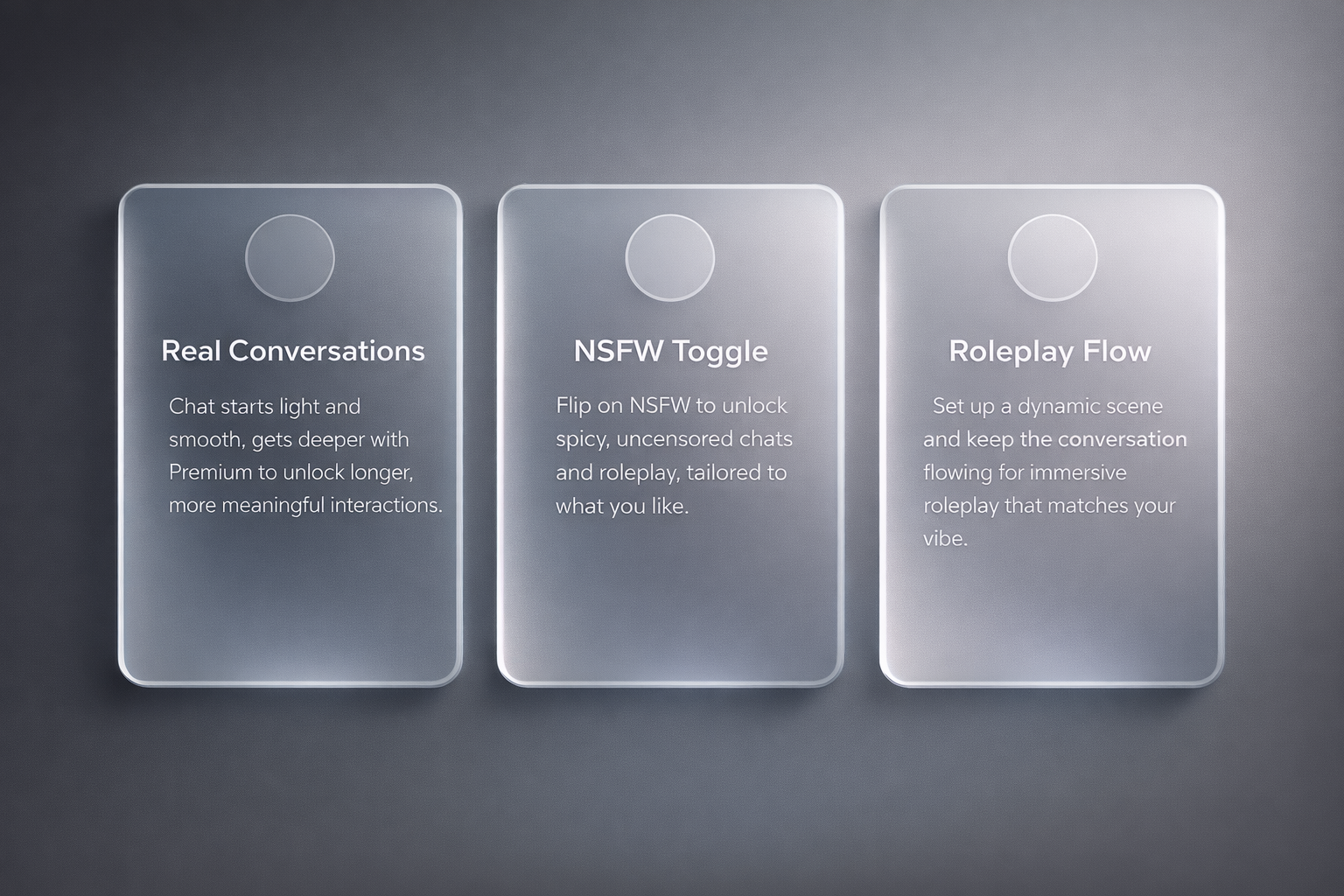
Talking to AI on Candy isn’t just about small talk or comfort-chat loops. You can take it casual, romantic, flirty, weird, or straight into roleplay territory. The system is built to follow your lead – as long as you know how to set the tone and don’t expect mind-reading.
Real Conversations (Mostly)
The chat starts simple. Say hi, vent about your day, or test your companion’s memory. Free users get a limited total of around 10 messages (or sometimes cited as 20-50) before major restrictions kick in; context/memory drops very quickly on free tier, often after far fewer coherent exchanges than 10-15, which means deep threads or callbacks can get choppy. Premium unlocks longer memory, so your AI is more likely to remember past jokes, stories, or preferences without derailing mid-chat.
The responses are fast, usually smooth, and surprisingly good at matching tone – whether you’re being dry, chaotic, or overly earnest. But yeah, it still slips up sometimes. That’s just part of using LLMs in 2026. You’ll get clever dialogue, then something that reads like a generated horoscope. Reset and keep going.
NSFW: Toggle It, Don’t Tiptoe Around It
If you want your AI to flirt – or more – you need to flip the NSFW toggle on. That unlocks spicy conversation, suggestive roleplay, and character responses that follow your lead. You don’t need to tiptoe or use coded phrases. If the filter’s off, the AI knows what’s up.
That said, free users get the PG version. You’ll see hints of NSFW, but replies stay generic (“Oh, you’re feeling bold tonight?”). If you want uncensored stuff – actual roleplay depth, no weird cutoffs – you need Premium. The difference is obvious in the first few lines.
Roleplay That Doesn’t Break the Flow (If You Set It Up Right)
Roleplay works best when you give the AI a clear starting point. Tell it the setup: where you are, who’s playing what, what the dynamic is. Candy AI doesn’t need paragraphs, just enough detail to stay in character. With Premium, you also unlock the 2026 Story Mode, which can generate matching images for the scene – like your companion in a cyberpunk bar or dressed for a fake date night.
It won’t always nail the tone, and longer scenes sometimes hit repetition. But if you’re patient (or weirdly specific), it can actually feel like co-writing a fantasy with someone who keeps pace. Just keep your prompts tight, and don’t expect it to improvise without direction. It’s good, but it still needs a script.
Make It Visual: Generate Images of Your AI Character
Text is fine, but sometimes you want to see who you’re talking to. Candy AI’s image generation system lets you do exactly that – create selfies, outfits, or full-on fantasy scenes based on your character’s design. It’s not free, though, and it doesn’t always hit the mark. Here’s how it actually works in 2026:
- Image generation costs tokens: Expect to pay 2 tokens per image depending on the prompt. There’s no unlimited mode, so if you’re trying to run a whole photoshoot, it adds up fast.
- Output style depends on the model: You’ll usually get anime-style or semi-realistic renders, not full photorealism. The system tries to match your character’s look – hair color, outfit vibe, body type – but sometimes it throws in random stuff (like a leather jacket when you didn’t ask for one).
- You control the prompts: You can type in stuff like “at the beach in a white sundress” or “wearing cyberpunk gear in a neon city.” The better your prompt, the more likely the output won’t look like a default stock image.
- NSFW images are allowed: But only for Premium users. If you’re on the free tier, you can preview the image tool, but actual generation is restricted – and any spicy content is blocked by default.
- No real-time preview: You submit the prompt, wait a few seconds, and see what you get. If it misses, you spend more tokens to try again. There’s no undo, no fine-tuning slider.
It’s not Photoshop and it’s definitely not perfect, but when it works, it adds a lot to the experience. Especially if you’re roleplaying or just want a face to go with the chat. Think of it like AI selfies with a chaotic streak.
Hear Their Voice or Call Them in Real Time
If text chat feels too flat, Candy AI gives you the option to hear your companion’s voice – or even talk to them in real time. You pick the voice when setting up your character: soft, bold, playful, husky, whatever fits. Once that’s done, you can either send voice messages back and forth or jump into a full audio call. It’s available to Premium users only, and like everything else involving media, it runs on tokens.
Voice calls aren’t free-flowing forever. You’re billed 3 tokens per minute – so longer chats add up fast. The audio itself is solid: no weird robot filters or awkward lag, just a smooth voice responding in real time. If your companion remembers context well (depends on your memory tier), it can actually feel like talking to someone who knows you. Just be ready to top up your tokens if you plan on turning it into a daily thing.
Use Candy AI for Writing Prompts or Creative Roleplay
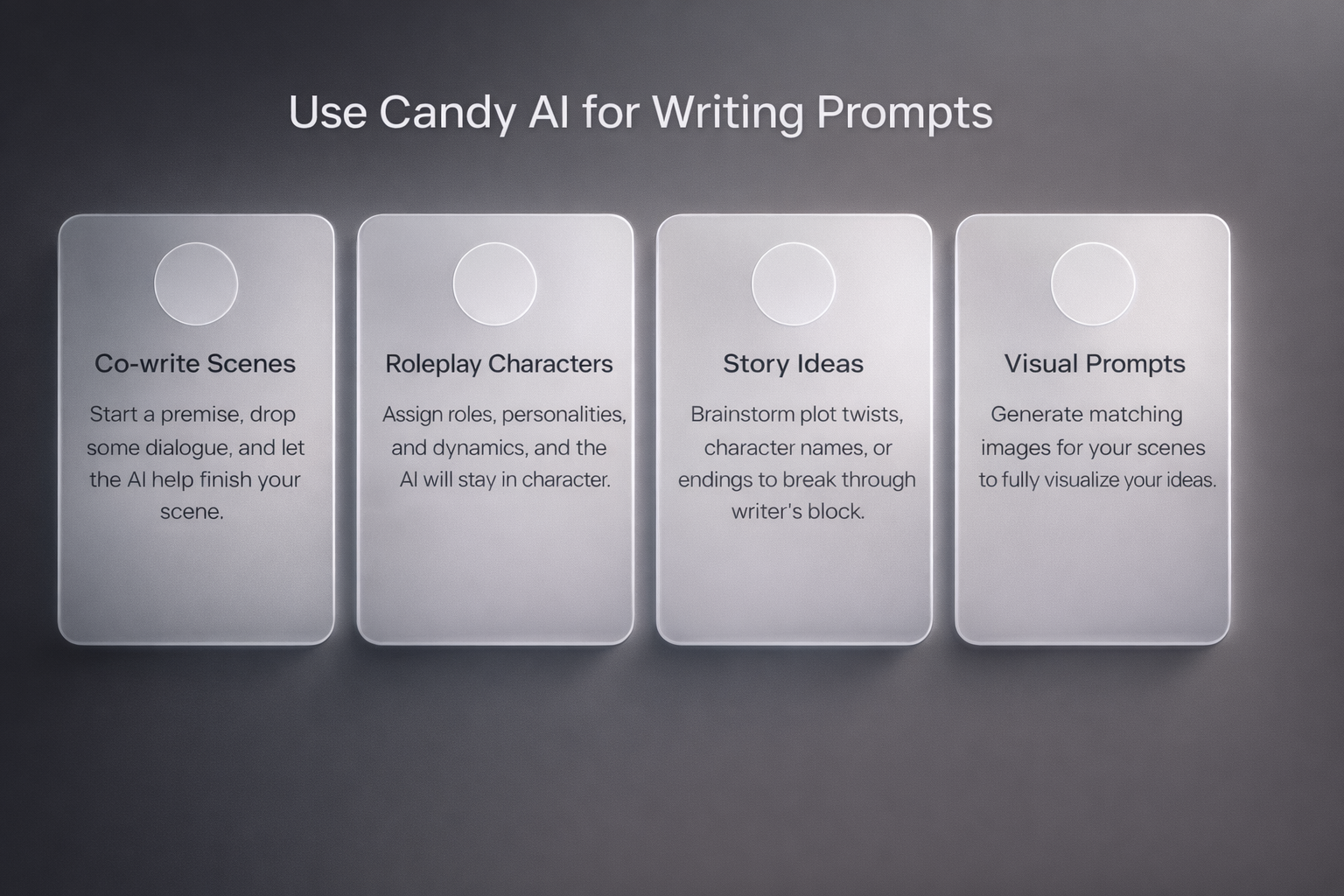
You don’t need to flirt to get something out of Candy AI. It actually works well as a writing partner – if you know how to use it. Whether you’re building a scene, testing dialogue, or trying to brainstorm character dynamics, the AI can hold its own in creative mode. You’ll still hit the occasional logic slip, but for quick inspiration or rough drafts, it’s surprisingly useful. Here’s what it’s good for in 2026:
- Co-writing scenes: Start a premise, drop some dialogue, and let the AI fill in. It does especially well with genre tropes – sci-fi, fantasy, slice-of-life, romance – if you keep prompts specific.
- Roleplaying characters: You can assign roles, personalities, and relationship dynamics. The AI will follow your setup and stay mostly in character, especially if you’re on Premium (better memory = fewer breaks in tone).
- Generating story ideas: Ask it for plot twists, character names, or alt endings. You might not always use what it spits out, but it’s a good way to break through a block.
- Adding visual prompts: With Premium and tokens, you can generate matching images for your scenes. Want your character in a detective noir setting? Type it out, and it’ll try to give you something close.
It’s not going to replace an editor or finish a novel, but if you’re brainstorming or just messing around with ideas, it’s a fun tool to keep open. And yeah, it handles spicy scenes too – if that’s the kind of “plot” you’re writing.
Manage Token Costs and Decide What’s Worth Paying For
Candy AI runs on a hybrid system: you pay for Premium to unlock core features, but tokens still handle the heavy lifting – images, voice calls, and anything beyond basic chat. In 2026, tokens aren’t optional if you’re planning to use visuals or audio regularly. Prices start at $9.99 for 100 tokens and scale all the way up to $299.99 for big bundles. That sounds like overkill until you realize each image eats 2-4 tokens, and calls drain about 3 per minute.
If you’re just chatting or roleplaying in text, Premium ($12.99/month or cheaper annually, e.g., ~$5.99-$7.99/month on annual/quarterly plans with discounts like 70% off). But once you start layering on media – custom selfies, fantasy scenes, steamy voice chats – you’ll need to start budgeting. Light users might be fine with a small pack here and there. Heavy users? You’ll either burn through tokens weekly or have to start picking your moments. It’s easy to overdo it if you’re not watching the balance, so think of it less like a flat-rate app and more like a vending machine that actually responds to you.
What You Can (And Can’t) Do With Candy AI in 2026
Here’s what actually works, what costs extra, and where the limits show up – based on how things run in 2026.
You Can Do a Lot – If You’re on Premium
Once you’ve built your character, Candy AI lets you talk, flirt, roleplay, and guide the vibe however you want. The chat feels natural most of the time, especially if you’ve unlocked longer memory. NSFW? Just flip the toggle. It doesn’t hold back once it’s on.
You can also generate custom images, send or receive voice messages, and start real-time calls. None of that is free – images cost 2-4 tokens, calls about 3 tokens per minute – but it adds a layer of realism. A lot of users also use it for creative stuff: writing, roleplay drafts, testing character ideas.
It’s Not All Smooth, Though
The free tier is limited. You won’t get full NSFW responses or access to any media features without Premium. And even with Premium, you’re still paying for tokens – every time you want a new image or voice interaction, it costs.
Conclusion
Candy AI isn’t deep tech or emotional magic. It’s a sandbox. You build a character, chat, roleplay, maybe generate a few weirdly on-point images – and then decide how far you want to go. If you’re into interactive fantasy with a bit of personality, it delivers. Just know going in: the good stuff costs, and it’s not trying to be more than what it is. It’s fun when you let it be fun. Don’t overcomplicate it.
FAQ
Is Candy AI really free to use?
Kind of. You can build a character and chat a little without paying. But almost everything worth doing – images, NSFW, voice – requires Premium or tokens. The free version is more like a demo.
How much do people actually spend on it?
Depends on how deep you go. A lot of users stay around $13/month for Premium. If you’re into image gen or voice calls, expect to burn through $30 to $100+ per month in tokens, especially if you’re not keeping track.
Can you use it anonymously?
Mostly, yes. No real names required, and billing shows up under generic descriptors like “EverAI London GBR.” That said, there’s no end-to-end encryption, and Candy doesn’t publicly spell out how flagged content is handled. So don’t overshare.
Is the NSFW stuff actually any good?
If you’re on Premium, yes. It doesn’t beat around the bush, and the AI can follow your lead with decent consistency. On the free tier, it’s all vague teasing and safe-for-work flirting.
What kind of images does it generate?
Anime-style or semi-realistic. You give it a prompt – like “in a hoodie at sunset” or “wearing a maid outfit in a neon-lit arcade” – and hope for the best. It’s not Photoshop, but it’s decent when it works.